Module 2: Seeing Like A Storyteller
Section outline
-
-
Module 2: Seeing Like a Storyteller
Seeing Like a Storyteller
Visual Language and Meaning
Goal: Participants will master how visuals alone tell stories, using smartphone cameras to compose shots that evoke emotion, power, and narrative without dialogue or text. This builds on Module 1 by shifting from story elements to their visual expression. The overall goal is participants to learn how images communicate story without words.
-
How framing affects meaning (wide shot, close-up, point of view).
-
Camera angle and power (high angle, low angle, eye level).
-
Composition basics: rule of thirds, focus, foreground/background.
-
Using movement to convey emotion and intention.
-
Visual symbolism and visual metaphor in video.
-
Introduction to storyboarding and shot planning.
-
Exercise: create a 6-shot visual story using only images.
-
Audio-visual focus: visual storytelling tools using phone cameras.
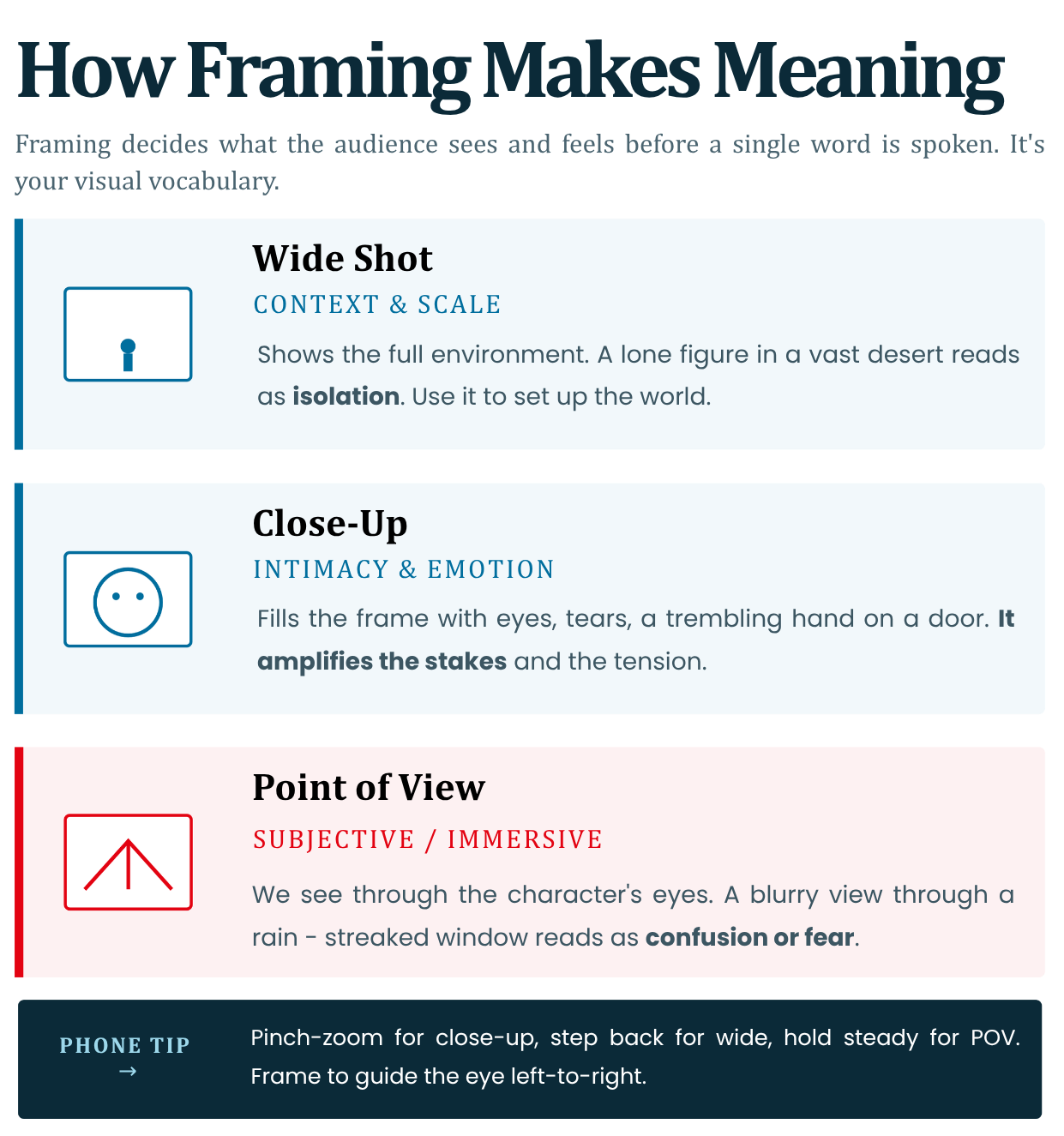
1. How Framing Affects Meaning (Wide Shot, Close-Up, Point of View)
Framing defines what the audience sees - and feels - before a single word is spoken. It's your visual vocabulary for storytelling.
- Wide Shot (Establishing): Shows full context/environment. Builds world/scale.
Example: Lonely figure in vast desert = isolation. Use for setups (Module 1 beginning).- Close-Up: Intimate details/emotions. Zooms on eyes/tears for tension.
Example: Trembling hand on door = anticipation. Amplifies stakes.- Point of View (POV): Subjective angle (through character's eyes). Immerses viewer.
Example: Blurry view through rain-streaked window = confusion/fear.Phone Tip: Pinch-zoom (close-up), step back (wide), hold steady for POV. Framing guides eye flow—left-to-right for Western narratives.
Reference: Sergei Eisenstein's montage theory: Frame choice edits reality (Battleship Potemkin, 1925). https://www.youtube.com/watch?v=fBqAGdqTNz0
Watch: Battleship Potemkin - Odessa Steps sequence
Read: ACMI - Battleship Potemkin: Odessa Steps
Quick Check: Reframe a selfie: Wide = context; Close = mood.
2. Camera Angle and Power (High Angle, Low Angle, Eye Level)
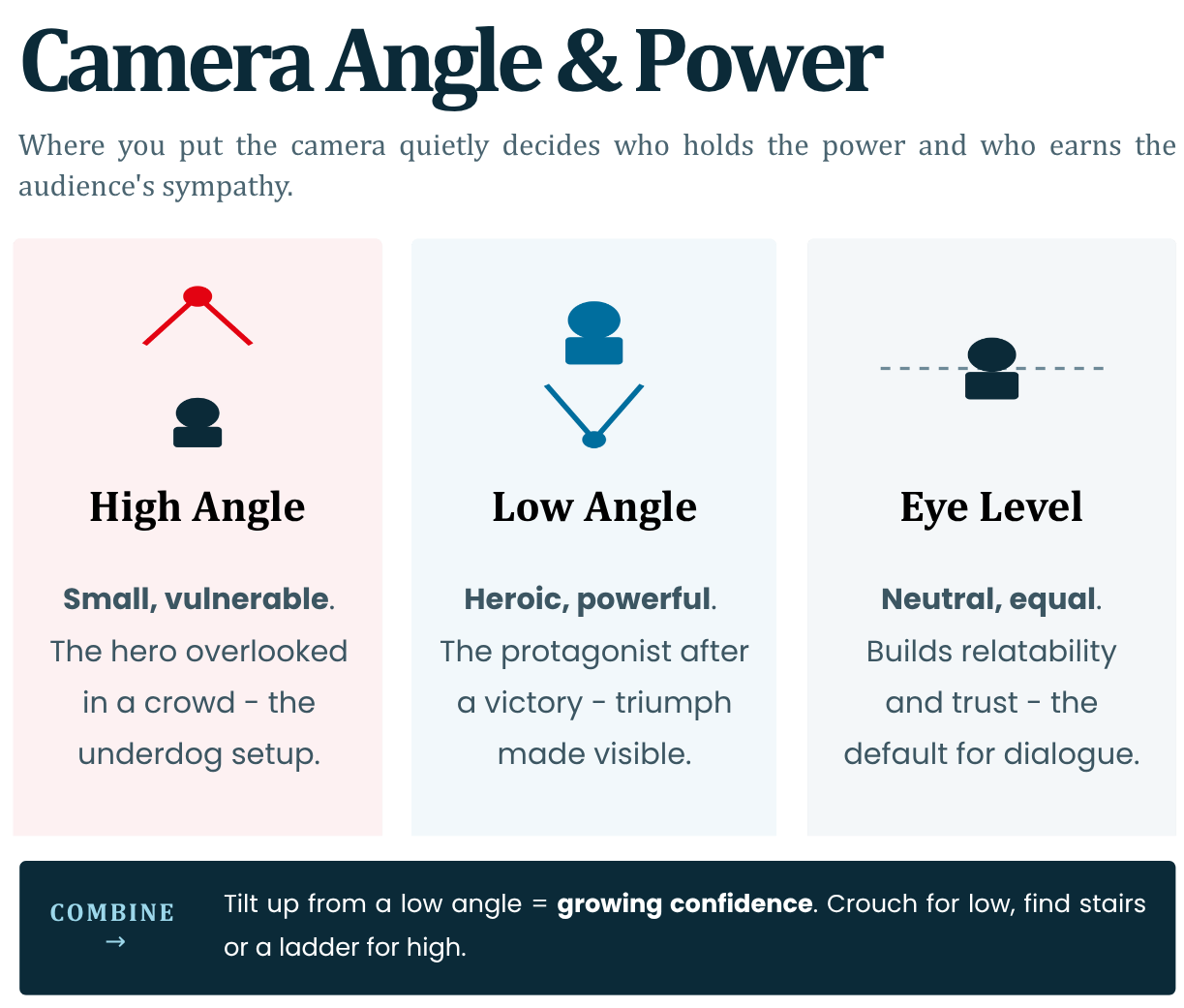
Angles manipulate perceived power dynamics and emotion, subtly directing audience sympathy.
- High Angle: Camera above subject. Makes them small/vulnerable.
Example: Hero overlooked in crowd = underdog setup.- Low Angle: Camera below. Empowers/makes heroic.
Example: Protagonist post-victory = triumph.- Eye Level: Neutral/equal. Builds relatability/trust. Default for dialogues.
Combine with movement: Tilting up from low = growing confidence. Youth creators: Crouch/lie for low; ladder/stairs for high. Power shifts drive conflict visually.
Reference: Orson Welles' Citizen Kane uses Dutch angles/low for menace (1941); standard in film schools.
Watch: How Orson Welles shot Citizen Kane
Read: BFI - 20 inspired visual moments in Citizen Kane | ASC - Realism for Citizen Kane
Audio-visual Tip: In clips, note: Villain intro = high angle on victim.
3. Composition Basics: Rule of Thirds, Focus, Foreground/Background
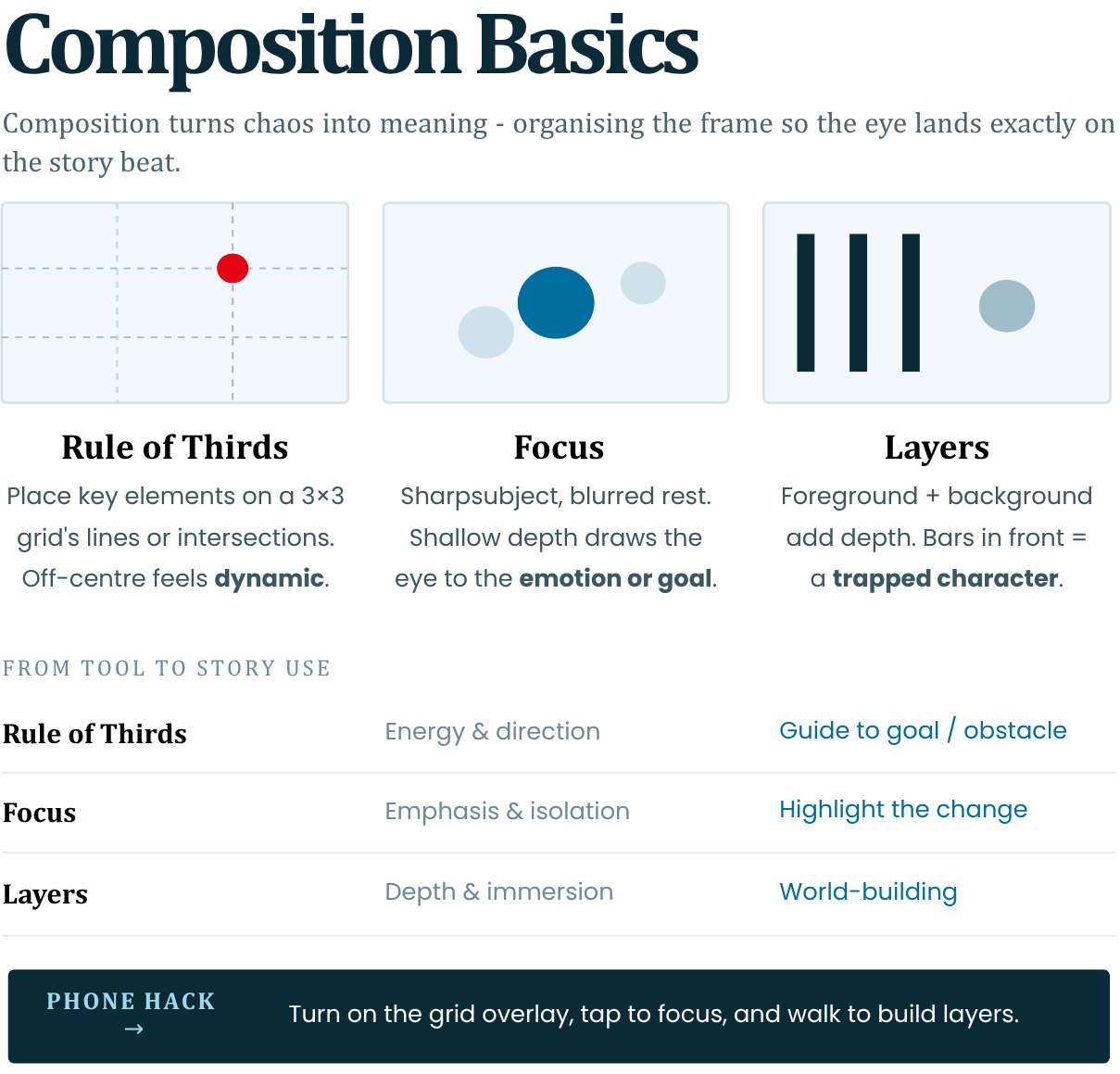
Composition organises chaos into meaningful visuals - guiding the eye to story beats.
- Rule of Thirds: Imagine 3x3 grid; place key elements (eyes, horizon) at intersections. Off-centre = dynamic/tension.
Phone: Enable grid overlay.- Focus: Sharp subject, blurred rest (shallow depth). Draws to emotion/goal.
Example: Focused face, blurred obstacle behind.- Foreground/Background: Layers add depth. Foreground frames action; background hints world/symbolism.
Example: Bars in foreground = trapped character.Avoid centred/symmetrical unless for stability. Builds subconscious narrative flow.
Reference: Rule of Thirds from painting (Da Vinci); codified in photography by Henri Cartier-Bresson ("Decisive Moment," 1952).
Read: Adobe - Rule of Thirds in photography
Phone Hack: Tap-to-focus; walk for layers.
4. Using Movement to Convey Emotion and Intention
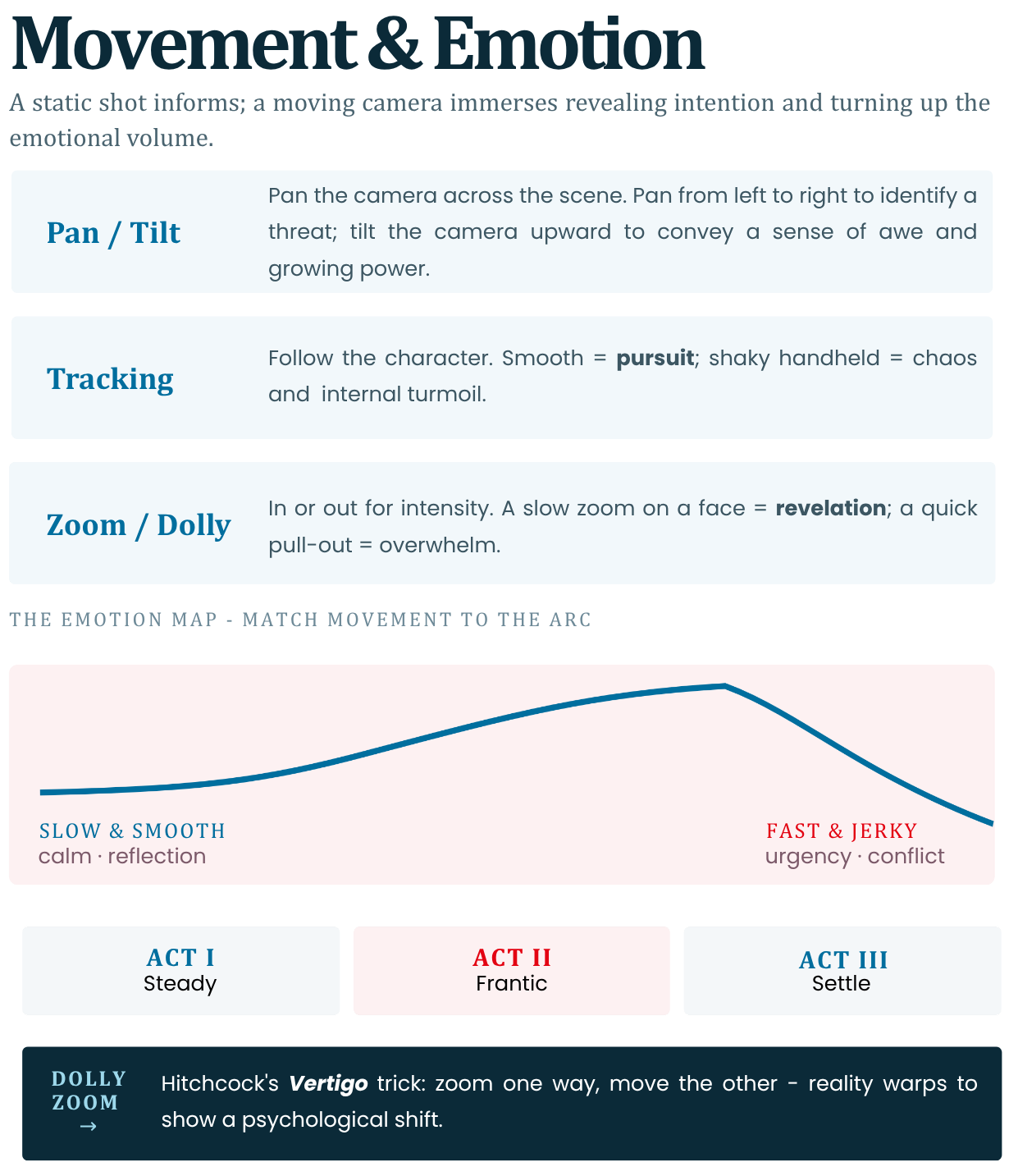
Static shots inform; movement immerses, revealing intention and escalating emotion.
- Pan/Tilt: Sweep across scene. Pan left-right = scanning threat; tilt up = awe/power rise.
- Tracking/Handheld: Follow character. Smooth = pursuit; shaky = chaos/internal turmoil.
- Zoom/Dolly: In/out for intensity. Slow zoom face = revelation; quick out = overwhelm.
Emotion Map:
Slow/smooth = calm/reflection (resolution);
Fast/jerky = urgency (conflict).
Phone: Walk-and-talk for tracking; gimbal apps for smooth.Reference: Hitchcock's "Dolly Zoom" (Vertigo, 1958) distorts reality for dread - emulates psychological shift.
https://www.youtube.com/watch?v=G7YJkBcRWB8Watch: Evolution of the Dolly Zoom
Read: Adobe - What is a dolly zoom? | Wired - How the Vertigo effect works
Tip: Match movement to arc: Steady Act 1, frantic Act 2, settle Act 3.
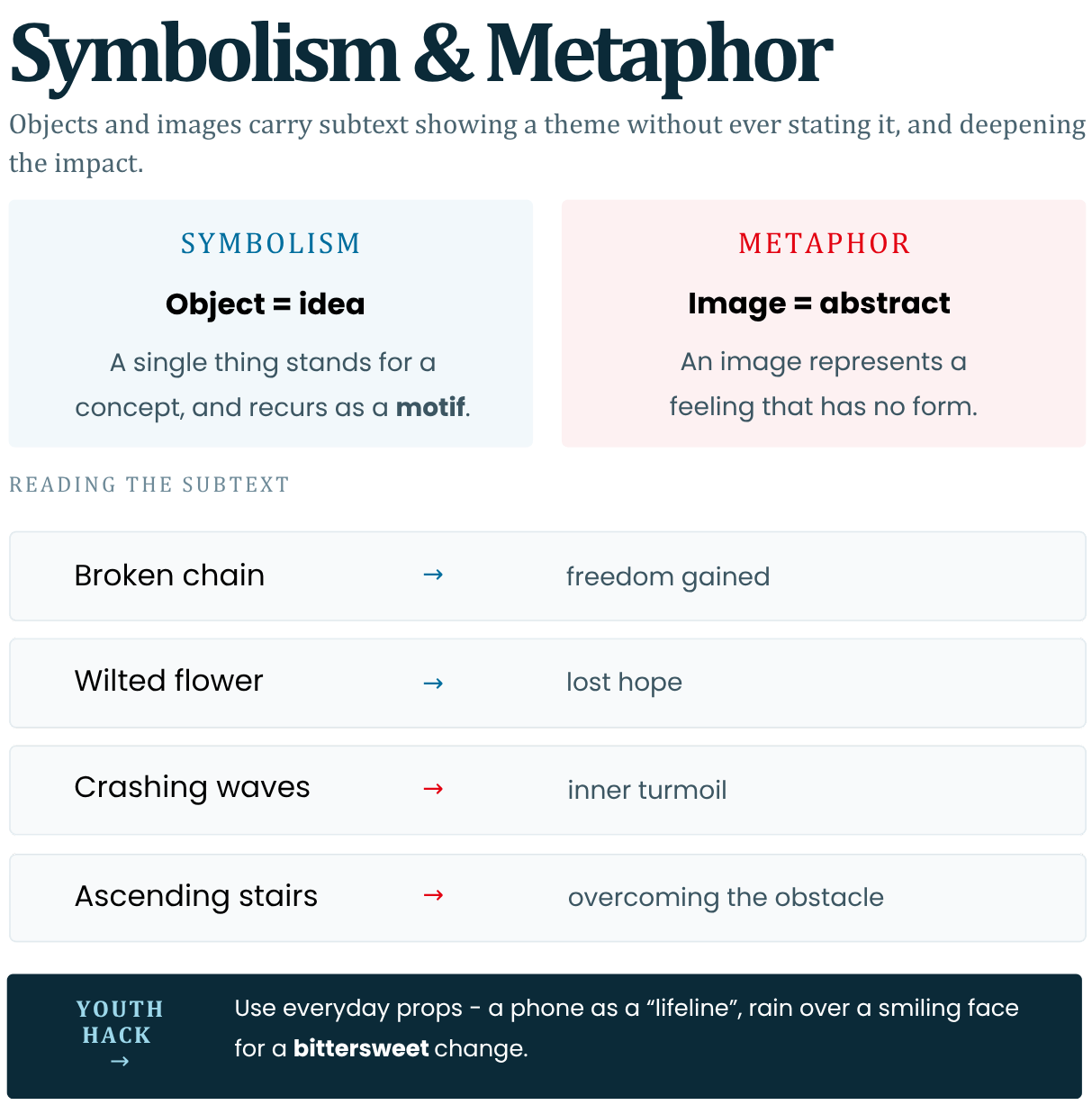
5. Visual Symbolism and Visual Metaphor in Video
Symbols/metaphors layer subtext—showing themes without words, deepening impact.
- Symbolism: Objects represent ideas.
Example: Broken chain = freedom gained; wilted flower = lost hope.
Recur for motif.- Metaphor: Visual stand-in for abstract.
Example: Crashing waves = inner turmoil; ascending stairs = overcoming obstacle.In shorts: Quick inserts (rain for sadness).
Youth: Everyday props (phone as "lifeline"). Builds meaning (Module 1).Reference: Stanley Kubrick's The Shining: Flooded bar = guilt metaphor; axes recur for violence (1980). Analysed in film studies (BFI resources).
https://www.youtube.com/watch?v=YnzYWsdHEpMRead: The Guardian - The Shining at 40
Clip Analysis: Rain over smiling face = bittersweet change.
6. Introduction to Storyboarding and Shot Planning
Storyboard: Visual script - sketches per shot with notes. Plans framing/angle/movement before filming.
Steps:
1. Outline story (Module 1).
2. Break into 8-12 shots.
3. Sketch: Thumbnail frame + angle + duration + audio note.
4. Sequence for flow (e.g., wide → close).
Phone Apps: Canva/Storyboard That (free templates). Prevents wasteful reshoots.
Explore Further: Canva Storyboard templates | Storyboard That
Reference: Disney's multi-plane storyboarding for depth (Snow White, 1937)
https://www.youtube.com/watch?v=xCK2J8K9HfQWatch: Walt Disney's Multiplane Camera
Read: Walt Disney Family Museum - Multiplane Educator Guide
Template Example:
Shot 1: Wide establishing. Low angle hero. Pan right. 5s. Ambient sound.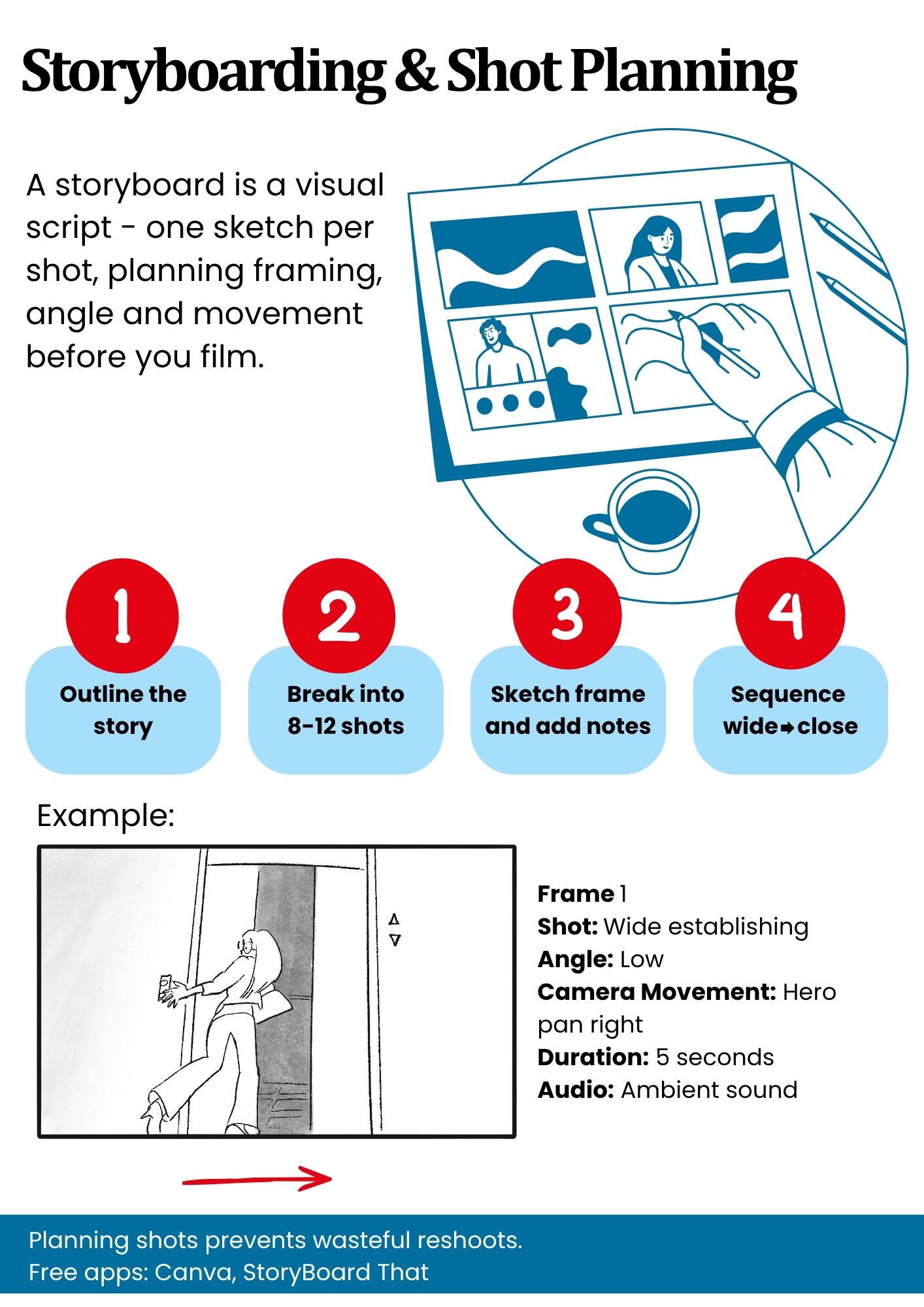
7. Exercise: Create a 6-Shot Visual Story Using Only Images + Audio Visual Focus
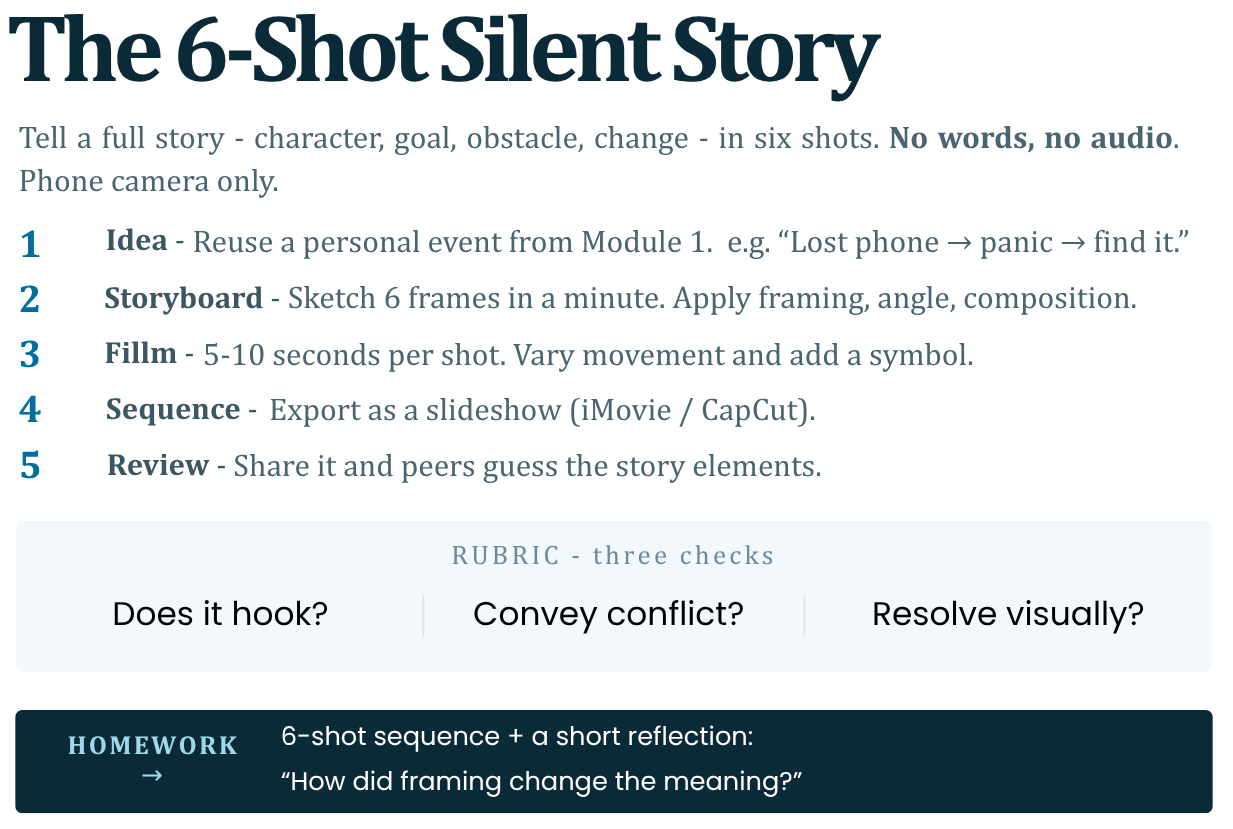
Goal: Silent 6-shot sequence telling full story (character-goal-obstacle-change). Use phone camera only.
Steps:
1. Idea: Personal event (Mod 1 outline). Ex: "Lost phone → panic → find it."
2. Storyboard: Sketch 6 frames (1min). Apply framing/angle/composition.
3. Film: 5-10s per shot. Vary movement/symbols. No words/audio.
4. Sequence: Export as slideshow (iMovie/CapCut).
5. Review: Share; peers guess story elements.
Rubric: Does it hook? Convey conflict? Resolve visually?
Phone Tools: Grid on, burst mode for movement, apps like FiLMiC Pro for pro controls (free tier).
Reference: Exercise from NYU Tisch visual storytelling labs; mirrors indie film challenges.
https://www.youtube.com/watch?v=RQQIHieK7lQHomework: 6-shot sequence + reflection: "How did framing change meaning?"
-
-
Module 2 Assignment
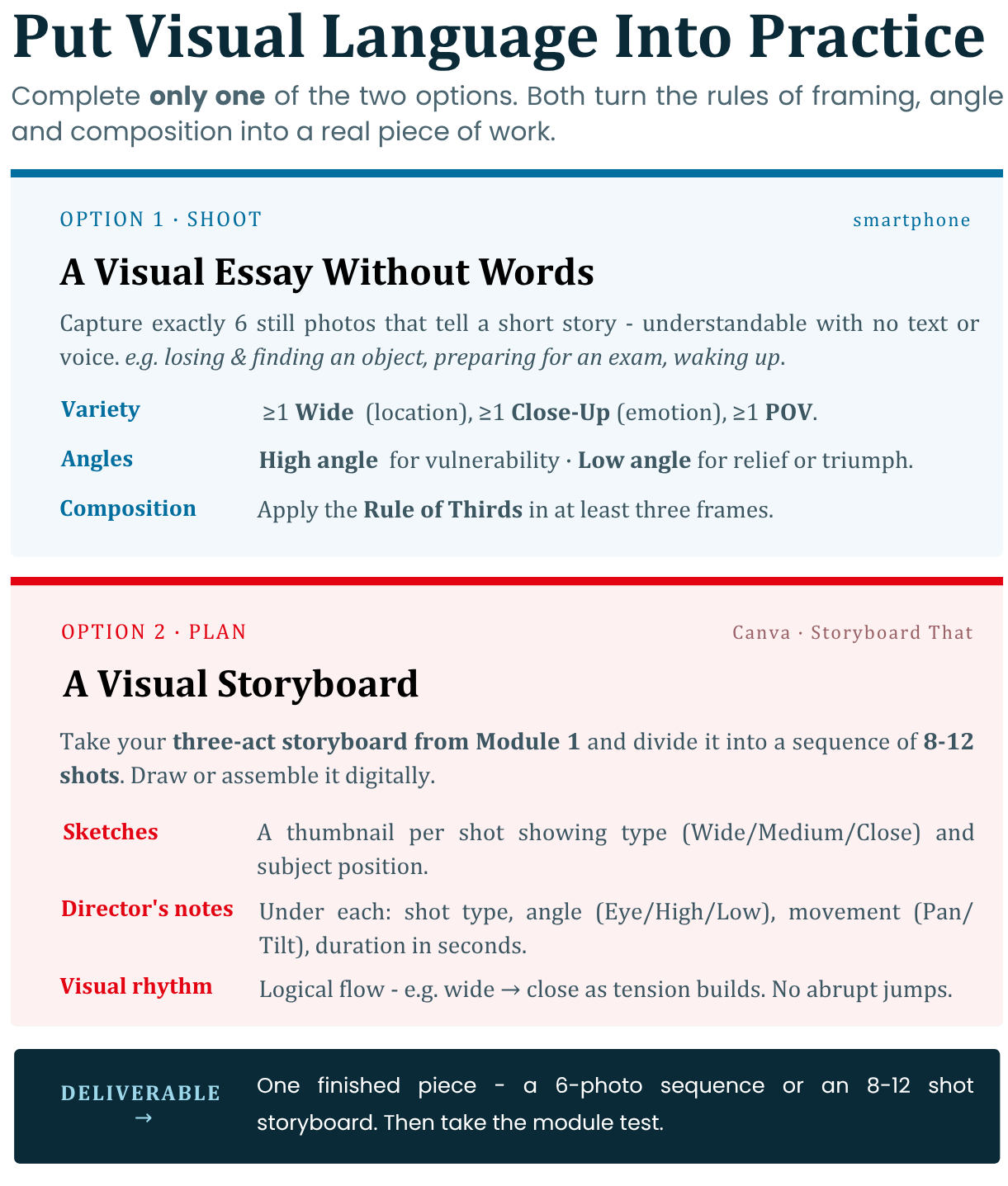
Choose and complete only one of the two options of your choice. These tasks will help you put the rules of visual language into practice.
Option 1: Shooting a Visual Essay Without Words
-
Description: This task focuses on the practical application of framing and camera angles to convey meaning and emotion through images alone.
-
Your task: Use your smartphone to capture a sequence of exactly 6 still photos that tell a short story (for example: losing and finding an object, preparing for an exam, or waking up in the morning). The story should be understandable without the use of text or voice.
-
Performance requirements:
1. Variety of shots: Include at least one Wide Shot to establish the location, one Close-Up to capture an emotion or important detail, and one POV shot.
2. Control Suggestion: Use High Angle to show vulnerability or difficulty in the character, and Low Angle to show relief, triumph, or dominance.
3. Composition: Apply the Rule of Thirds in at least three of the frames by placing the subject on the intersections of the camera grid.
Option 2: Creating a Visual Storyboard
-
Description: This task is suitable for people who want to practice pre-planning a video production and structuring the visual narrative before the actual filming.
-
Your task: Take the three-act storyboard that you developed in the practical task in Module 1 and divide it into a sequence of 8 to 12 separate shots. Draw or digitally assemble (using free templates in Canva or Storyboard That) a storyboard.
-
Requirements for execution:
1. Visual sketches: Each shot must have a graphic image (thumbnail) that clearly shows what the plan is (Wide, Medium, Close-Up) and what the position of the subject is.
2. Director's Notes: Under each thumbnail, write a short technical note containing: the type of shot, the camera angle (Eye Level, High, Low), any movement (Panning, Tilting), and the duration of the shot in seconds.
3. Visual Rhythm: Make sure the shots follow a logical visual flow (for example, moving from wide shot to close-up as the tension builds) to avoid abrupt and confusing jumps for the viewer.
-
-