Module 4 - Creating Your Own Audio Visual Story
Przegląd sekcji
-
-
Module 4: Creating Your Own Audio-Visual Story
Creating Your Own Audiovisual Story
Complete Video Creation from Idea to Final Cut
Goal: Learners will synthesise all prior modules into a polished 30-60 second original video story - drawing from personal experience, planning visually, filming on phones, editing with sound, and screening for audience feedback. This capstone builds confidence for ongoing script/podcast creation. The overall goal of participants is to apply all tools to create a short original video story.
-
Developing a simple story idea from personal experience.
-
Planning: story outline and basic storyboard.
-
Filming techniques using available devices.
-
Recording usable sound and avoiding common mistakes.
-
Basic editing and assembling the final story.
-
Sharing stories and understanding audience perspective.
-
Screening and group reflection.
-
Audio-visual focus: complete short video creation from idea to final cut.
1. Developing a Simple Story Idea from Personal Experience
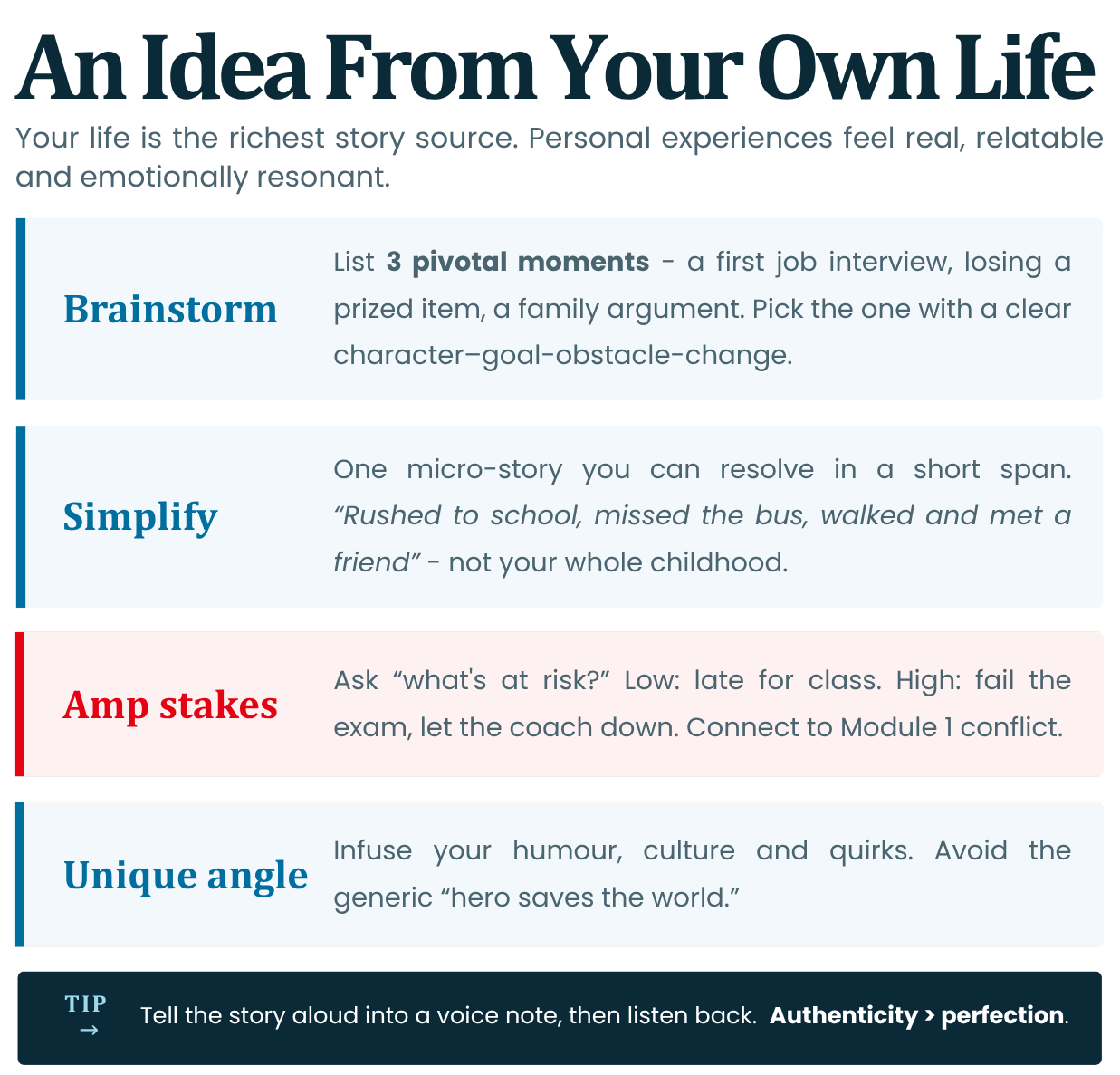
Start with authentic material: Your life is the richest story source. Personal experiences feel real, relatable, and emotionally resonant (Module 1 emotion/memory).
- Brainstorming: List 3 pivotal moments in your life (Example: first job interview, losing a prized item, family argument). Pick one with clear character-goal-obstacle-change (Module 1)
- Simplify: For shorts (30-60s), focus on one micro-story possibly that can be resolved in a specific short span of time (Example: "Rushed to school, missed the bus, walked and met friend" not "My whole childhood")
- Amp Stakes: Ask: "What's at risk?" Low stakes: Late for class. High stakes: Fail exam, let coach down. Connect to Module 1 conflict.
- Unique Angle: Infuse personal voice: your humour, culture, or quirks. Avoid generic "hero saves world."
Tip: Use phone voice notes to tell a story aloud; record flow. Then listen to it to review. Remember Authenticity > Perfection.
Reference: Distributions like Sundance's "Noora" (2023) uses personal immigrant stories for festival hits; mirrors indie documentary ethos.
Quick Exercise: 5-min journal: "One moment that changed me."
2. Planning: Story Outline and Basic Storyboard
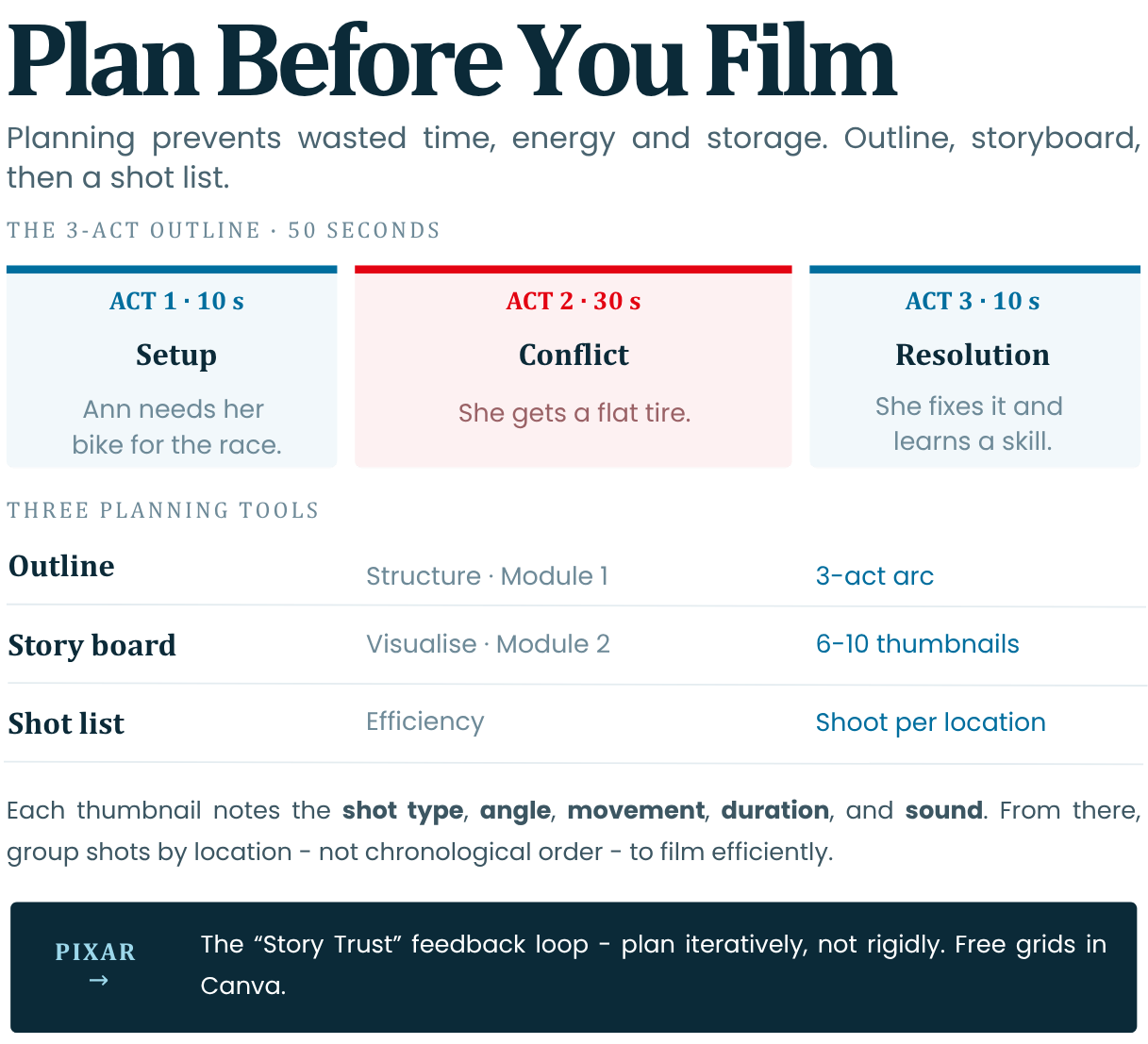
Planning prevents wasted filming (time, energy and storage space). Apply Module 1 outline and Module 2 storyboard workflows before touching the camera.
Step-by-Step Outline (Module 1: The 3-Act Structure):
- Act 1 (10s): Setup character/goal (Example: Anna needs bike for race)
- Act 2 (30s): Obstacle/conflict (Example: Anna gets a flat tire)
- Act 3 (10s): Change/resolution (Example: Anna fixes the tire and learns a new skill)
Storyboard (Module 2: Sketch 6-10 thumbnails):
1. Wide shot (setup)
2. Close-up (emotion)
3. POV (action)
Include: Shot type, angle, movement (if any), duration and sound note (if any).
From these thumbnails you can then work on your shot list so you plan the shoot per location and not necessarily everything in chronological order.Phone Tools:
- Canva Templates: Free storyboard grids.
- Paper + Pen: Quick thumbnails.
Reference: Pixar's "Story Trust" feedback loop—plan iteratively, not rigidly (Ed Catmull, Creativity Inc.).
Planning Element
Purpose
Example
Outline
Structure (Mod 1)
3-Act arc
Storyboard
Visualize (Mod 2)
8 sketches w/ shots
Shot List
Efficiency
"Wide → Close-up"
3. Filming Techniques Using Available Devices
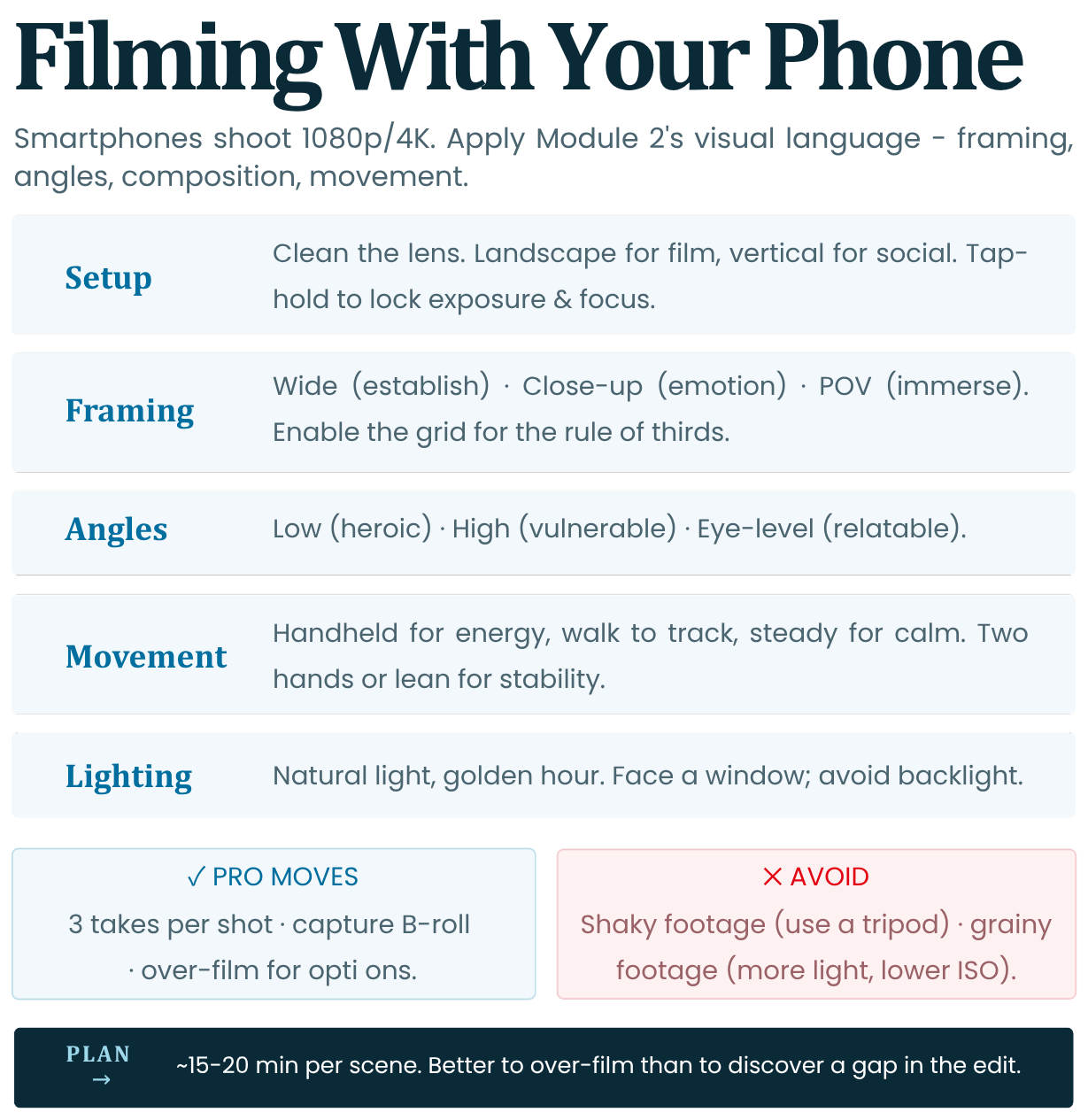
Smartphones nowadays have pro cameras (1080p/4K). Apply Module 2 visual language: Framing, angles, composition, movement.
- Setup: Clean your lens, put your phone in horizontal (landscape) mode for films. Shoot verticals for TikTok and/or other social media. Lock exposure/focus (tap-hold on phone)
- Framing: Wide (establish), Close-Up (emotion), POV (immerse). Rule of thirds for composition (enable grid)
- Angles: Low (heroic), High (vulnerable), Eye-level (relatable)
- Movement: Handheld for energy; walk for tracking; stable for calm. Use two hands/lean.
- Lighting: Use natural light where possible (Consider Golden Hour which is usually 1 hour after sunrise or 1 hour before sunset). Face a window and avoid backlight.
Pro Moves: Shoot 3 takes per shot; capture B-roll (details or other footage related to your film) for editing flexibility.
Reference: iPhone 15 Pro's Cinema Mode (2023) mimics shallow depth like ARRI Alexa; used in indie shorts (IndieWire).
Common Mistakes: Shaky footage (use a tripod or gimball); Grainy footage (lower ISO within the camera app or add more lighting).
Plan 15-20min per scene to shoot. Over-film for options. Better to have extra footage than realising that you need more footage during editing and have to go back to get it. Sometimes this is not even possible due to certain restrictions.
4. Recording Usable Sound and Avoiding Common Mistakes
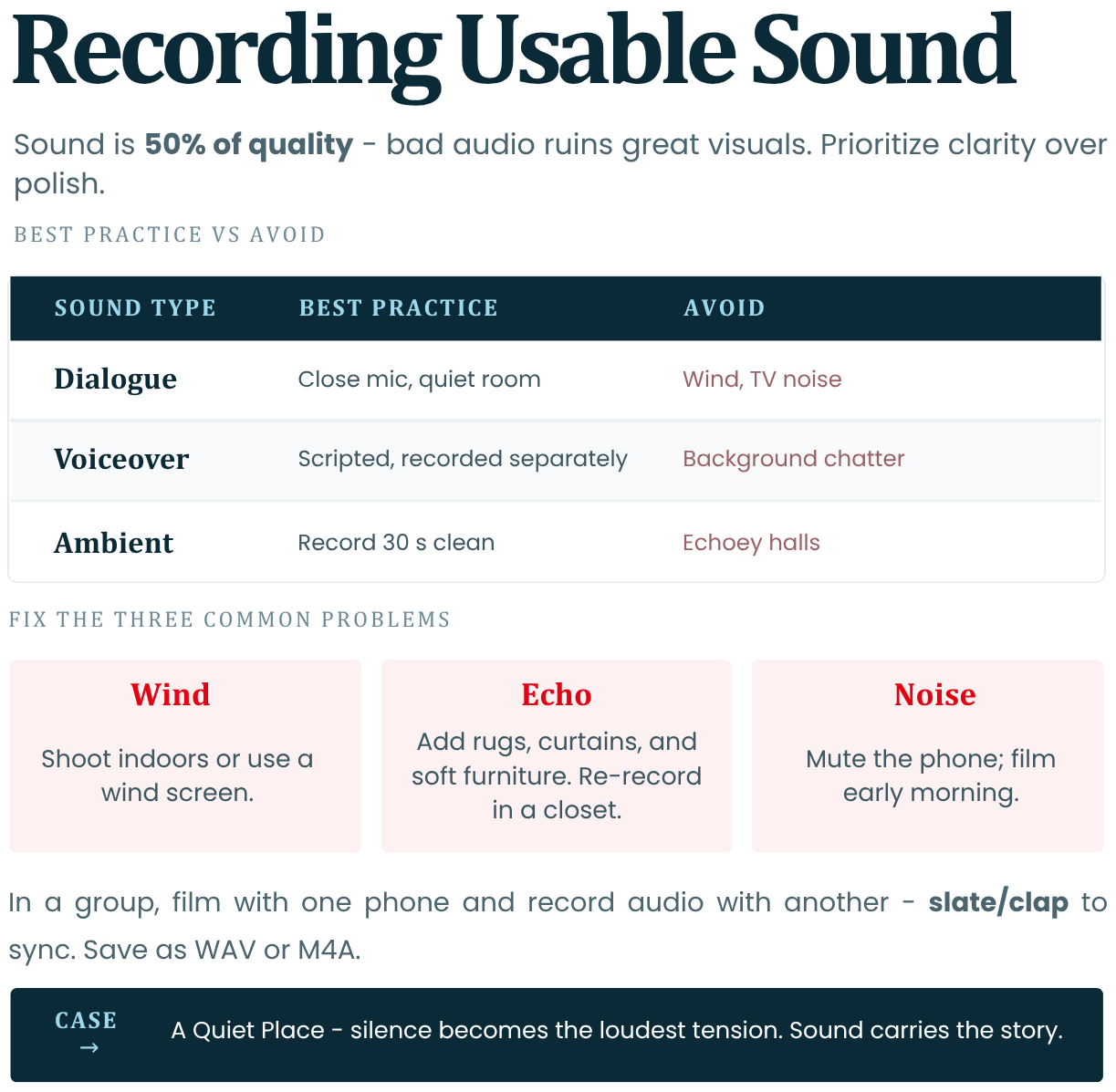
Sound is 50% of quality (Module 3) - bad audio ruins great visuals. Prioritize clarity over video polish.
- Lapels/Mics: Phone mic works if close by. If you are in a group, you can use one phone to film visuals and one to record audio. Then you can sync the video clip and sound clip during editing. Make sure to slate / clap before the take. The clap should be captured visually on camera and heard on the audio. Use cheap lavaliers or earbud mic.
- Quiet Spaces: Record indoors with no echo; turn off fans/AC and anything else that might be producing loud noise. Be mindful of where you are. In a forest you might be hearing birdsongs and in the street you might be getting crowd noises.
- Voiceover/Narration: Script lines (Module 1 theme); speak clearly and take pauses. Record separately in quiet room.
- SFX: Capture ambient sounds (footsteps, door creaks) for Mod 3 layering.
Tip: Test audio playback before moving on.
Common Mistakes:
- Wind: Shoot indoors or use wind screen.
- Echo: Add rugs/curtains or any other soft furniture.
- Background Noise: Mute phone, film early morning.
Quick Fix: Re-record dialogue in closet (fabric absorbs echo).
Phone App: Use Voice Memos (iOS) or RecForge (Android) for high-quality audio. Be sure to save in WAV or M4A.
Reference: *A Quiet Place* (2018): Silence as tension; emphasizes sound's story power (Paramount).
5. Basic Editing and Assembling the Final Story
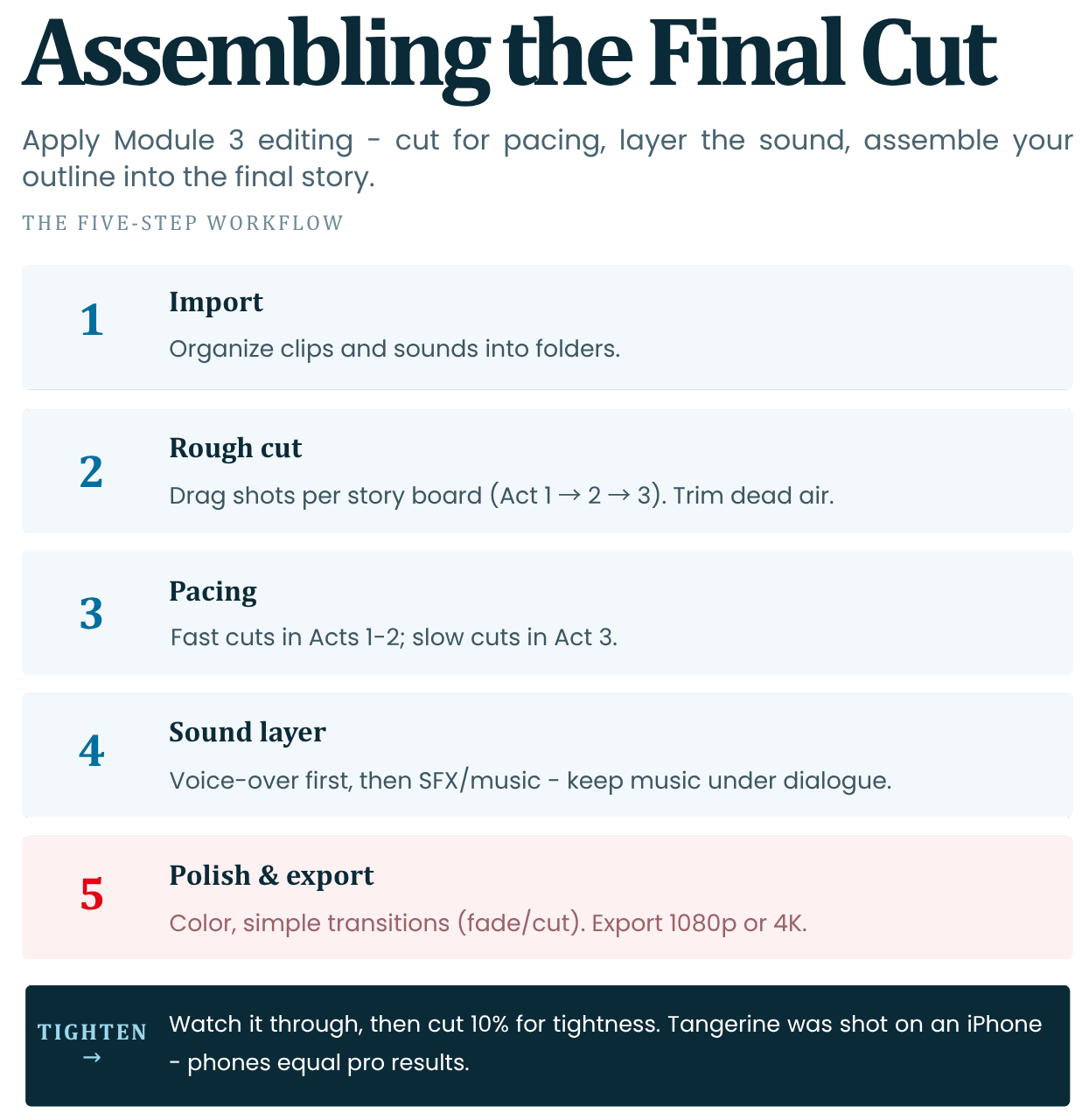
Apply Module 3 editing: Cut for pacing, add sound/music. Assemble outline into final cut.
Workflow (Mobile/Desktop Apps from Module 3):
1. Import media: Organize clips/sounds into folders.
2. Rough Cut: Drag shots per storyboard to form the backbone of your story
(Act 1 → 2 → 3). Trim dead air.3. Pacing: Fast cuts (Acts 1-2), Slow cuts (Act 3)
4. Sound Layer: Add voiceover first, then SFX/music (lower music volume under dialogue)
5. Polish: Colour grade or add filters (basic brightness/contrast), transitions (fade/cut only). Export 1080p or 4K.
Reference: “Tangerine (2015)”: Shot on iPhone; edited in Final Cut Pro—proves phones = pro results (Sundance).
When ready, watch the full sequence. See if you can cut down 10% for tightness.
6. Sharing Stories and Understanding Audience Perspective
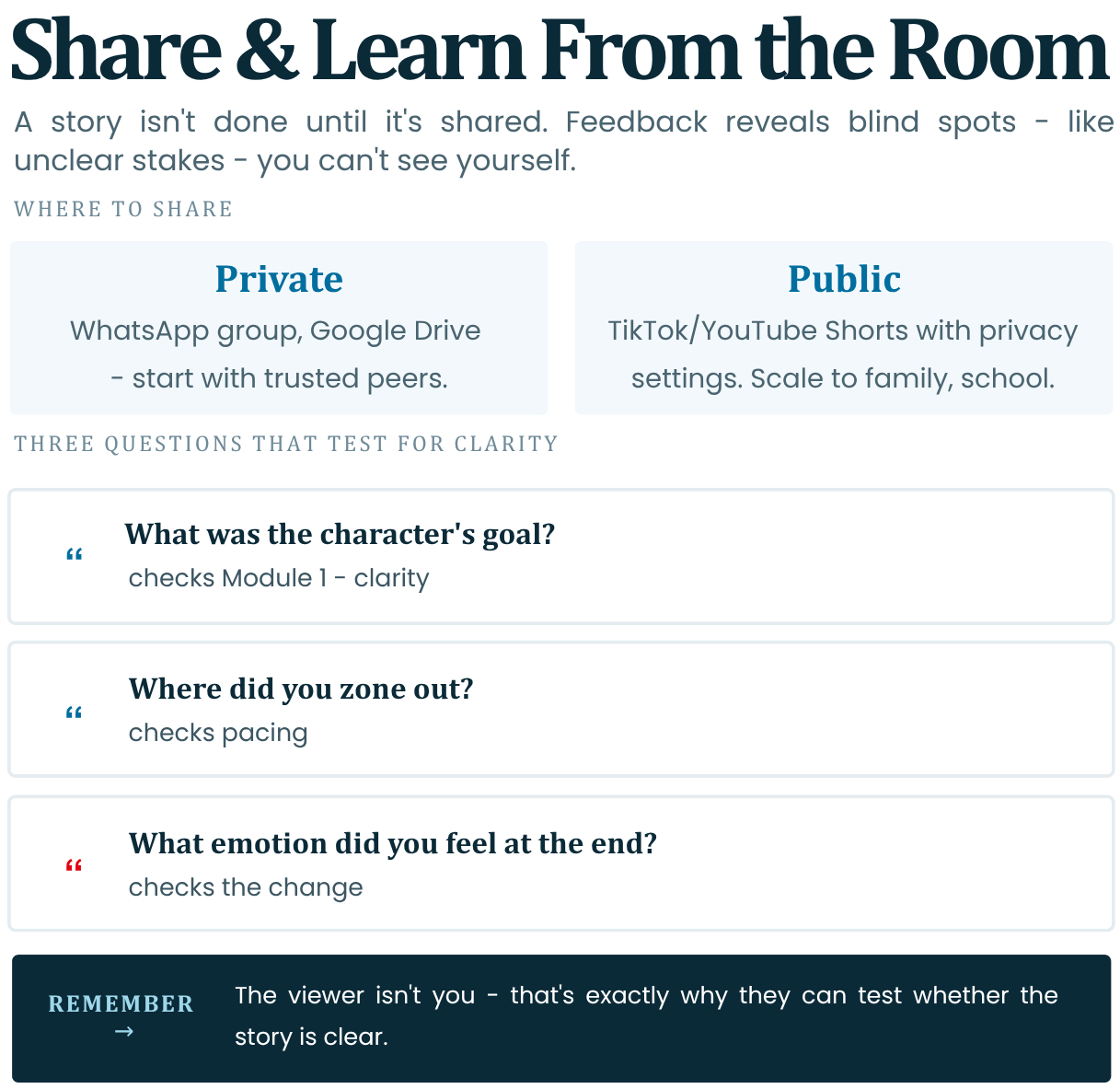
Stories aren't done until shared. The feedback that you receive may reveal blind spots like for example unclear stakes.
- Platforms: Share privately (WhatsApp group, Google Drive) or public (TikTok/YouTube Shorts with privacy settings)
- Audience Lens: Ask the following questions for useful feedback: "What did you feel? Confused? Clear goal?" Remember that the viewer isn't you so they can help you test for clarity.
- Feedback Questions:
- "What was the character's goal?" (Module 1 check).
- "Where did you zone out?" (Pacing).
- "What emotion did you feel at end?" (Change).
Tip: Start with trusted peers; scale to family/school.
Homework: Export story + 1-paragraph of reflection.
-
-
Module 4 Assignment
Select and execute only one of the two options of your choice. This task will help you put what you have learned into practice before moving on to the test.
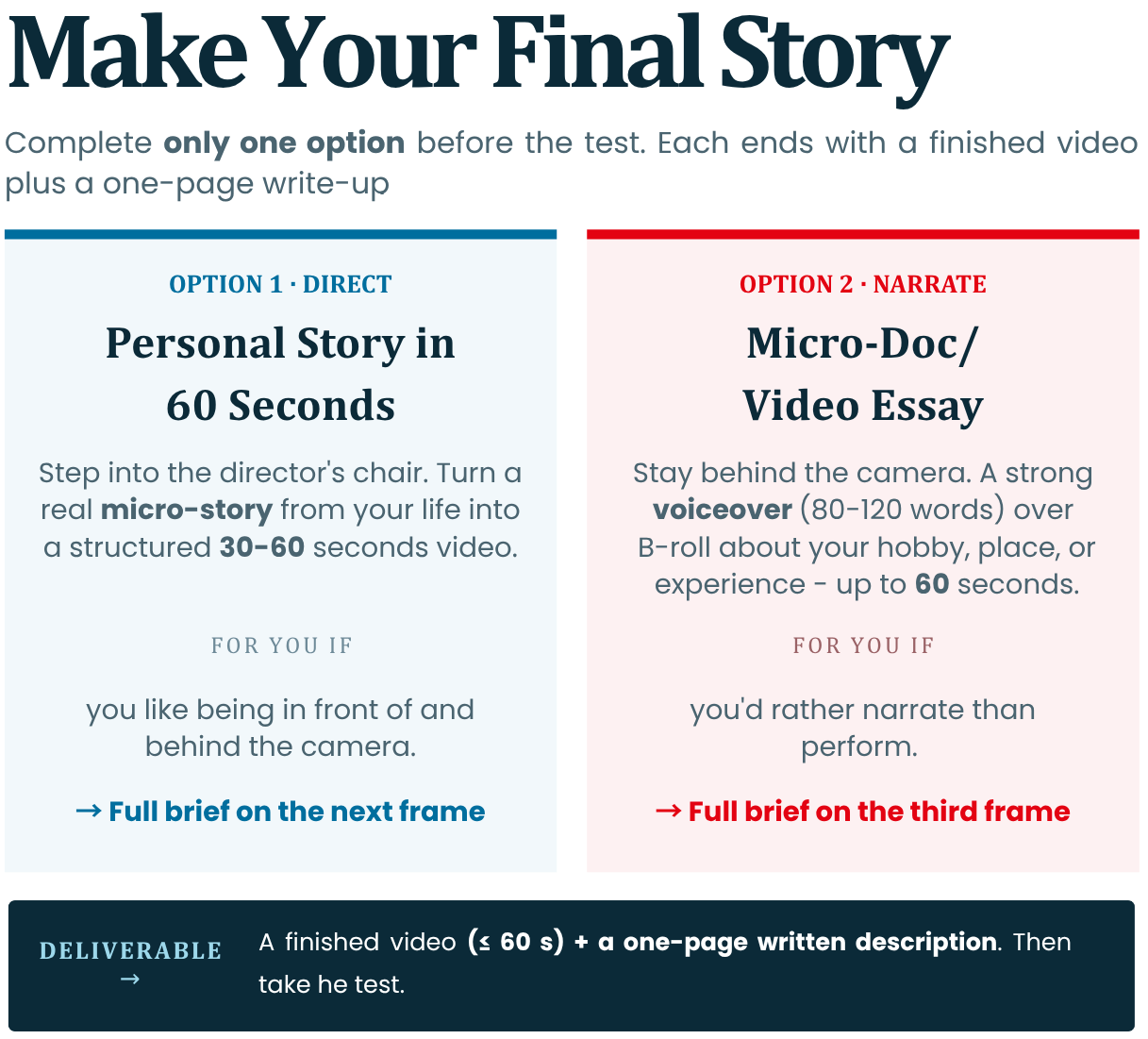
Option 1: Create a personal story in 60 seconds
-
Description: This option is suitable for people who want to step into the role of directors and cinematographers and develop their ability to turn a real event from their life into a short, structured and exciting video.
-
Your task: Choose a specific "micro-story" from your personal experience (e.g. missing a bus, a lost object or an unexpected meeting). Capture it and edit it into a short video with a duration of between 30 and 60 seconds. Describe the following elements in writing in a volume of up to one page attached to the finished video:
1. Тhe Four Pillars of Planning: Describe how you filmed the Four Pillars of Module 1 (Who is the Hero, what is their Objective, what is the Obstacle and what is the Change at the End)? Describe how you pre-planned the shots through the Shot List to save time on the ground.
2. Technical shooting and audio: Describe how you prepared your phone for photos (clear lens, lock focus and exposure). What technique did you use to capture clear sound and how did you synchronize the picture and audio (e.g. clapping/clapping)?
3. Editing & Feedback: How did you arrange the audio tracks on the timeline (voice, music, effects) and how many percent did you shorten the rough cut to achieve a tight tempo? Share what an outside viewer (friend or classmate) found when you showed them the video for the first time.
Option 2: Micro-Documentary / Video Essay
-
Description: This option is suitable for people who prefer not to play in front of the camera, but to talk about their hobby, favourite place or experience, combining strong Voiceover with beautiful additional shots.
-
Your task: Write a short script (80-120 words), write it down as a narrator and shoot visuals to illustrate your words in a short video of up to 60 seconds. Describe in writing the following elements in a volume of up to one page attached to the finished video:
1. Screenplay and visual plan: Write the original text you read behind the scenes. Describe how you made your list of 8–10 specific shots and how you shot B-roll footage (close-ups and details) to illustrate your words.
2. Acoustics and light work: Describe how you controlled the environment when recording the voice to avoid echoes (e.g. a wardrobe trick or closet). How did you use natural light (e.g. shooting during the Golden Hour) and the Rule of Thirds to make the picture look professional?
3. Audio-visual balance: Describe how you put the project together in the editing program, starting with the voice audio track first. How did you balance the decibel levels to ensure that background music and sound effects (SFX) don't drown out your speech?
-
-