Module 3: Time and Emotion
Section outline
-
-
Module 3: Time and Emotion
Time and Emotion
Editing and Narrative Flow
Goal: Learners will grasp how editing transforms raw footage into emotional narratives, using simple tools to manipulate time, pacing, and sound. This builds on Modules 1–2 by applying visual language through cuts that shape audience perception and story clarity. The overall goal is participants to understand how editing shapes story, emotion, and clarity.
-
Editing as the invisible storyteller.
-
How shot order creates meaning (the Kuleshov effect explained simply).
-
Pacing: fast vs slow storytelling and emotional impact.
-
Continuity vs contrast in editing.
-
Using sound, silence, and music to strengthen story.
-
Basic introduction to editing tools (mobile and desktop apps).
-
Exercise: edit a short sequence to create different emotional effects.
-
Audiovisual focus: hands-on editing to change story meaning.
1. Editing as the Invisible Storyteller** (Page 1)
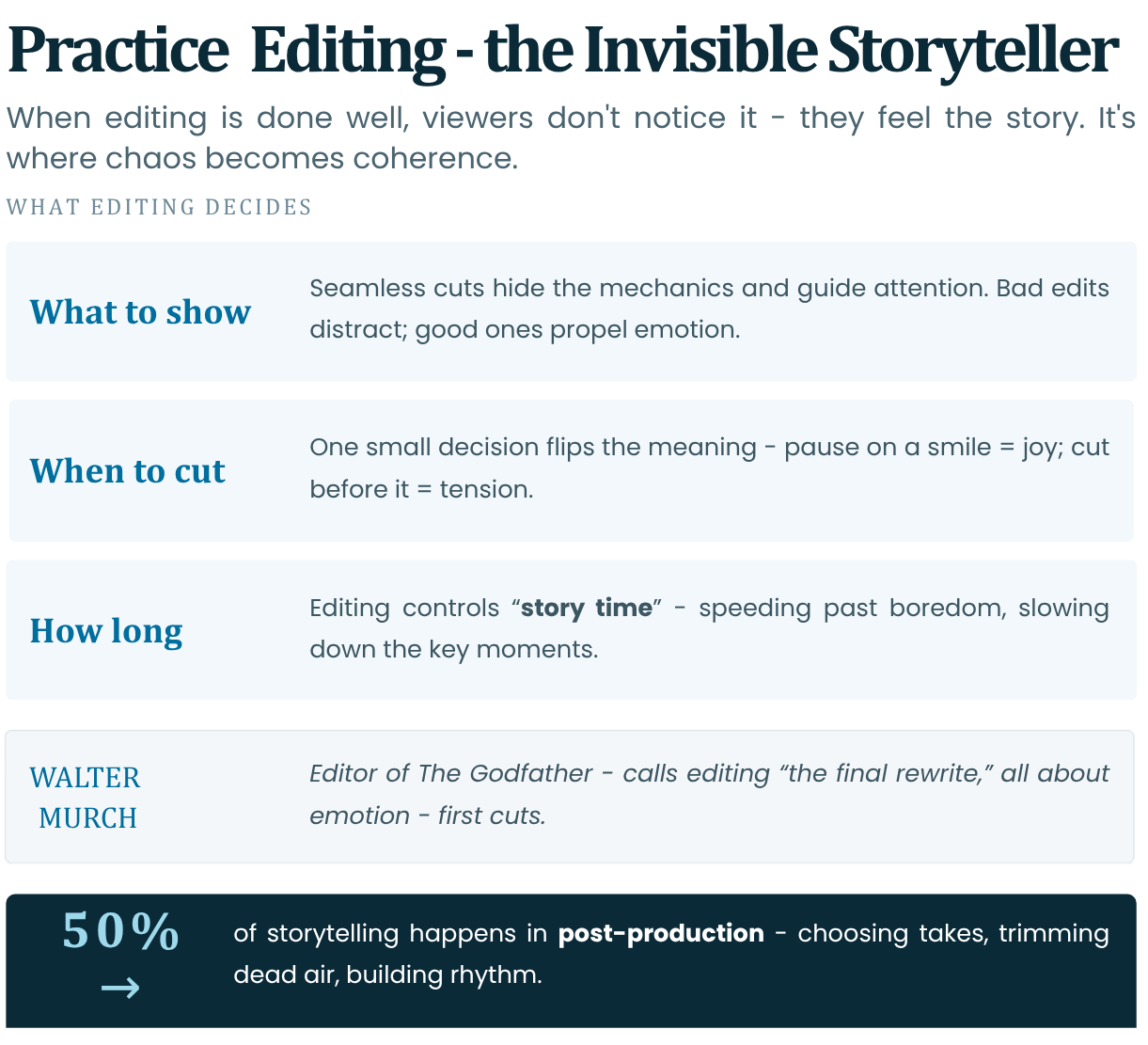
Editing is the "invisible art" - when done well, viewers don't notice it; they feel the story. It's where chaos becomes coherence, deciding what to show, when, and for how long.
Why Invisible?
Seamless cuts hide mechanics, guiding attention. Bad edits distract; good ones propel emotion.
Example: match cuts in *2001: A Space Odyssey*.Watch: 2001: A Space Odyssey - bone to satellite match cut
Read: No Film School - 2001 bone cut analysis
In post-production, editing is 50% of storytelling—choosing takes, trimming dead air, building rhythm.
Simple decisions (cut now? later?) change meaning entirely.
Example: Pause on a smile = joy; cut before = tension.Editing controls "story time" - speeding up boredom, slowing key moments.
Reference: Walter Murch (editor of “The Godfather”) calls editing: the final rewrite; emphasises emotion-first cuts (In the Blink of an Eye, 1995).
Watch: Walter Murch and In the Blink of an Eye
Read: Walter Murch and the Rule of Six
Quick Check: Watch a 30s clip; spot the "invisible" cut that shifts mood.
2. How Shot Order Creates Meaning (The Kuleshov Effect Explained Simply)
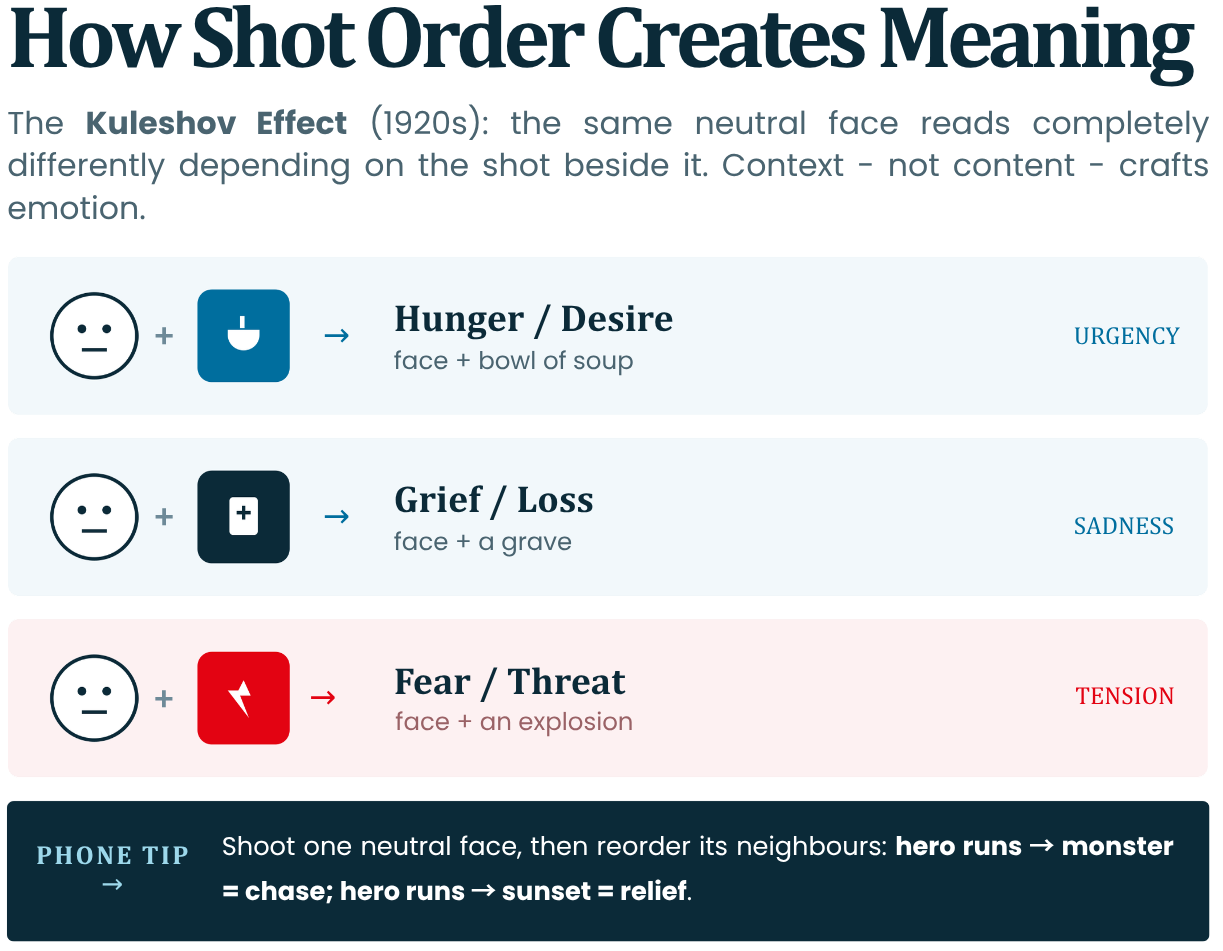
Shot order (montage) creates artificial meaning - same shot, different neighbours, changes interpretation.
- The Kuleshov Effect: 1920s Soviet experiment by Lev Kuleshov.
Same neutral actor face + soup = hungry;
Same neutral actor face + coffin = sad;
Same neutral actor face + woman = lust.
Proves context (editing) crafts emotion, not content alone.- Simple Explanation: Brain fills gaps: "Cut to food → he's hungry."
Order implies cause-effect without words.- Application: In shorts:
Hero runs → monster = chase;
Hero runs → sunset = relief.Phone Tip: Shoot multiple shots (same face, different neighbours) to test. Builds Module 1 conflict through sequencing.
Reference: Original Kuleshov film clips (restored at 1920s archives); core of film theory (BFI: "The Kuleshov Effect").
Shot Order
Implied Meaning
Emotional Impact
Face + Food
Hunger/Desire
Urgency
Face + Grave
Grief/Loss
Sadness
Face + Explosion
Fear/Threat
Tension
Audio Visual Tip: In clips, reorder shots to flip story (e.g., victory → defeat).
3. Pacing: Fast vs Slow Storytelling and Emotional Impact
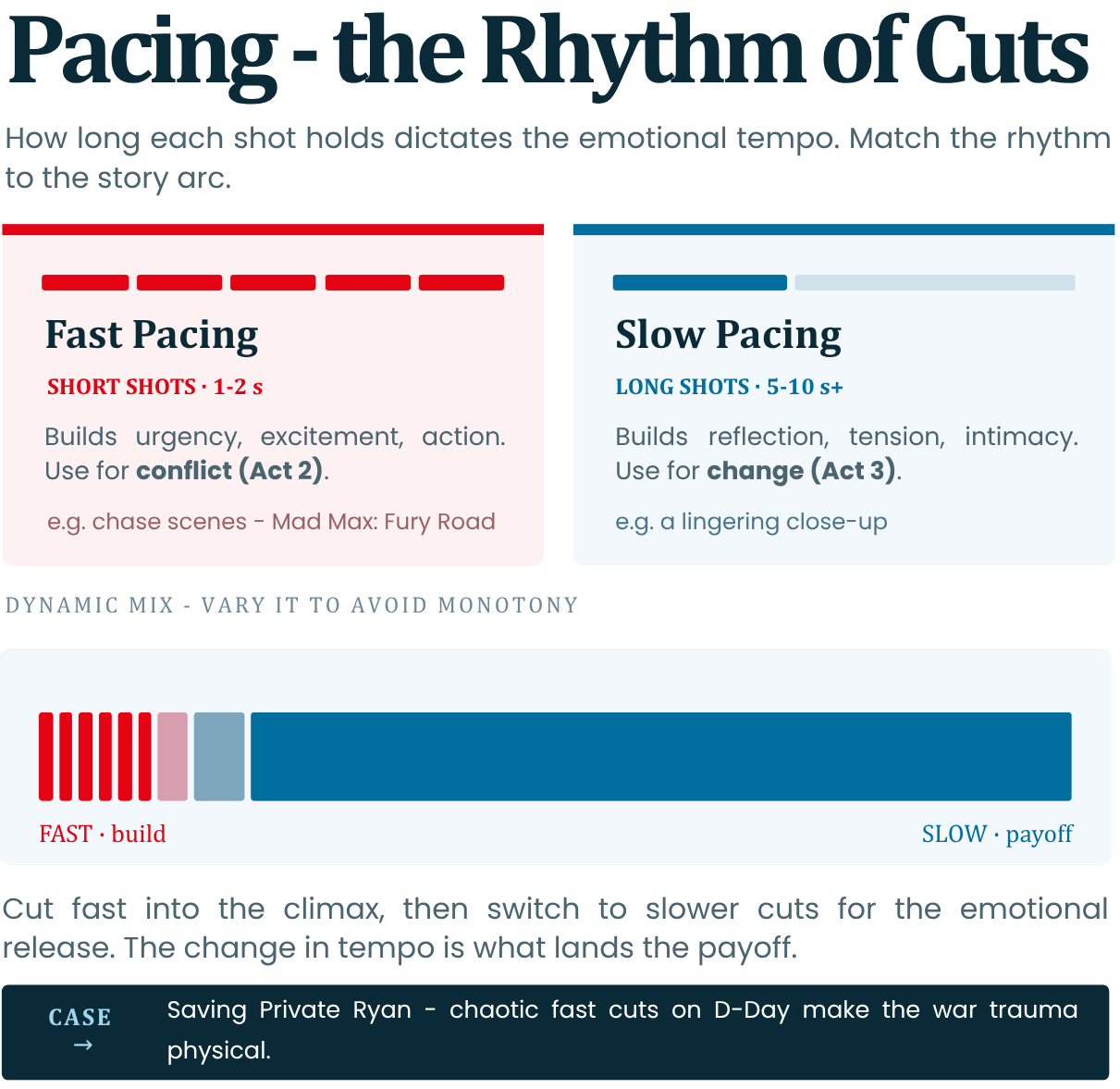
Pacing refers to the rhythm of cuts (how long shots hold). It dictates emotional tempo - match to Module 1 arc.
- Fast Pacing: (Short shots, 1-2s) Builds urgency/excitement/action. Ex: Chase scenes (*Mad Max: Fury Road*). Use for conflict (Act 2).
Watch: StudioBinder - Car chase scene breakdown
Read: VashiVisuals - The Editing of Mad Max: Fury Road
- Slow Pacing: (Long shots, 5-10s+) Builds reflection/tension/intimacy. Ex: Lingering close-up for change (Act 3).
- Dynamic Mix: Start by cutting fast then switching to slower cuts gives emotional release (climax → payoff). By changing through different pacing at different times of the video avoids monotony.
Reference: *Saving Private Ryan* D-Day scene: Chaotic fast cuts = chaos/war trauma (1998); studied in editing courses.
Read: Saving Private Ryan - D-Day scene analysis | Enhancing Sound - Saving Private Ryan sound design
Phone Hack: Trim aggressively in apps; use split-second for drama.
4. Continuity vs Contrast in Editing
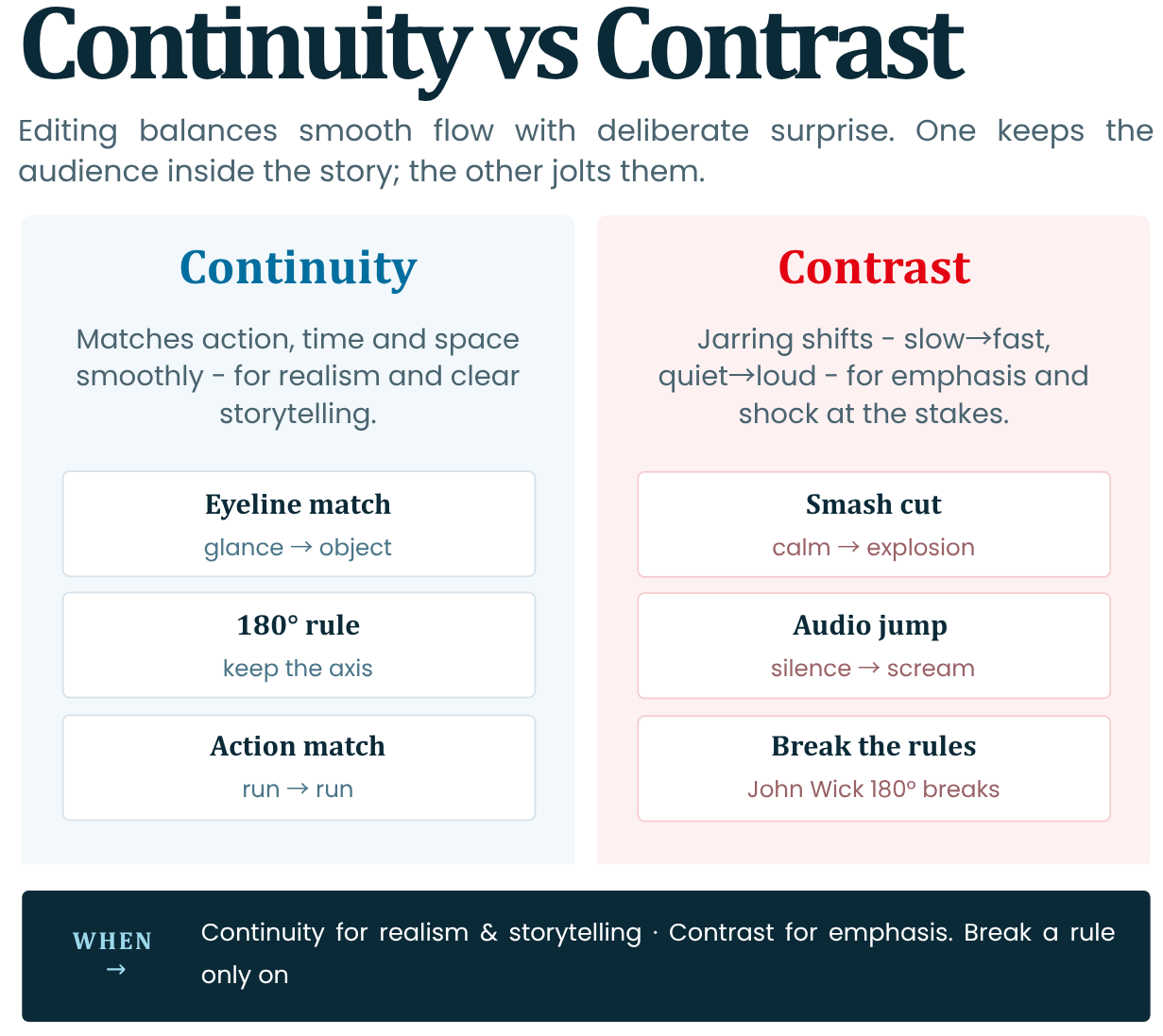
Editing balances flow (continuity) with surprise (contrast) for engagement.
- Continuity: Matches action/time/space smoothly. Rules: Eyeline match (glance → object), 180° rule (keep axis). The goal here is to achieve an "Invisible" flow.
- Contrast: Jarring and usually abrupt shifts (slow → fast, quiet → loud) for impact. Ex: Smash cut from calm to explosion = shock.
- When to Use: Use Continuity for realism/storytelling and Contrast for emphasis (Module 1 stakes).
Sometimes you can break rules intentionally
Example: *John Wick* uses 180° breaks for disorientation/fight chaos.Read: StudioBinder - 180 Degree Rule explained
Reference: 180° Rule from silent era (D.W. Griffith); continuity editing codified in Hollywood's Classical Period (1930s–'50s).
Watch: 180 Degree Rule explained
Continuity Example
Effect
Contrast Example
Effect
Action match (run → run)
Smooth flow
Cut from calm → scream
Shock/Urgency
Tip: Preview in timeline; adjust for flow vs twist.
5. Using Sound, Silence, and Music to Strengthen Story
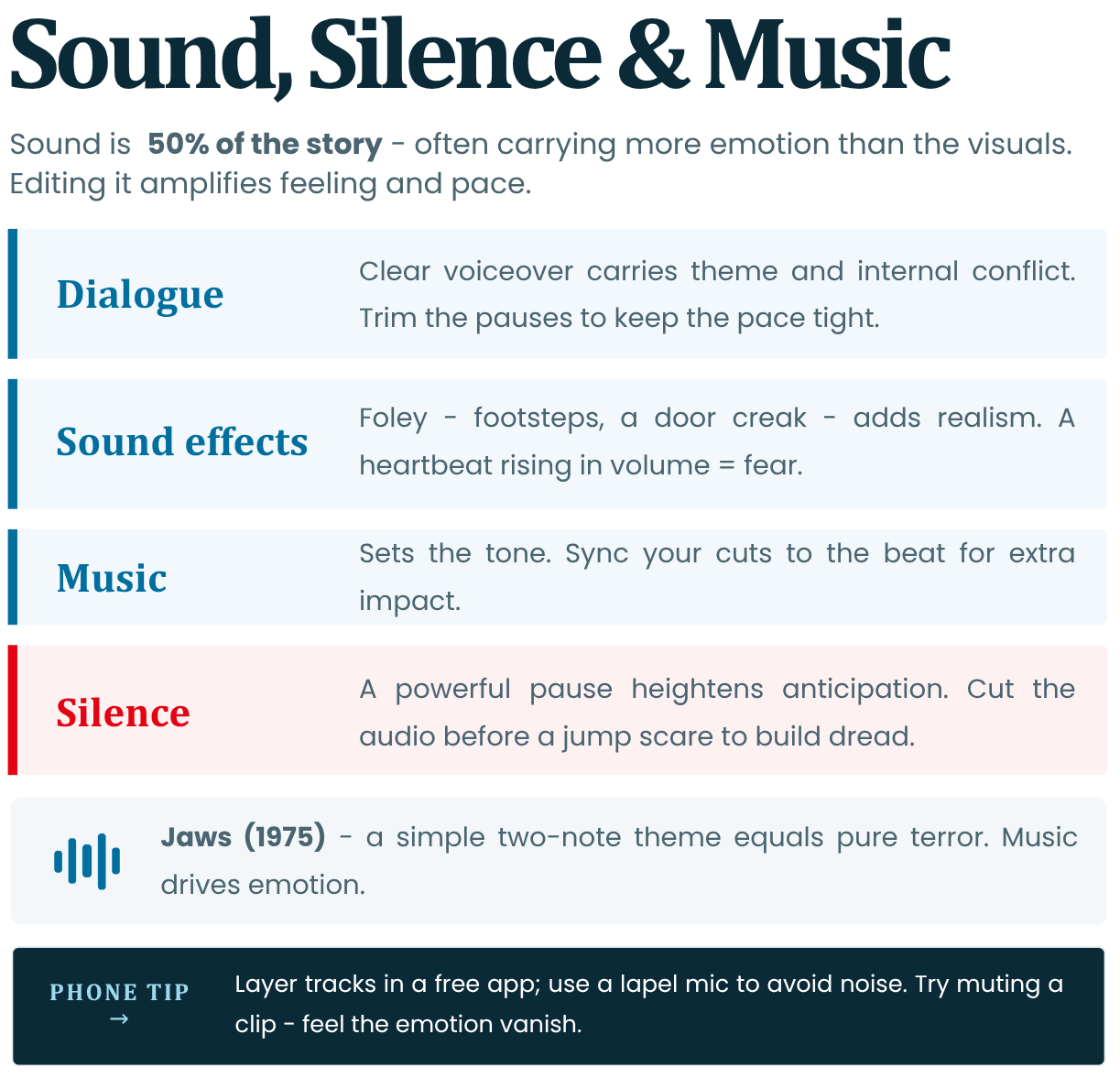
Sound is 50% of story (often more than visuals)—editing it amplifies emotion/pacing.
- Dialogue/Narration: Clear voiceover conveys Module 1 themes/internal conflict. Trim pauses for pace. Clear dialogue helps understand the characters.
- Sound Effects (SFX): Foley (footsteps, door creaks) adds realism to the film world and tension to the scene. Example: Heartbeat → rising volume = fear.
- Music: Sets tone of the scene. You can sync cuts to the music beat to create more impact with your visuals.
- Silence: Powerful pause - heightens anticipation. Example: Cut audio before jump scare to create a sense of dread.
Phone Tips: Layer tracks (free apps); Avoid noise (use lapel mic).
Reference: Steven Spielberg's “Jaws”: Simple 2-note theme = terror; proves music drives emotion (1975).
Watch: John Williams - Jaws theme
Read: University of Sydney - Jaws at 50: two notes | The Legacy of John Williams - Jaws at 45
Audio Visual Tip: Watch a few clips with muted sound and note the loss of emotion. Some films can be understood and experienced despite having their sound muted. This shows how much the filmmakers went into so much detail and how all the elements are optimised to portray that particular emotion.
6. Basic Introduction to Editing Tools (Mobile and Desktop Apps)
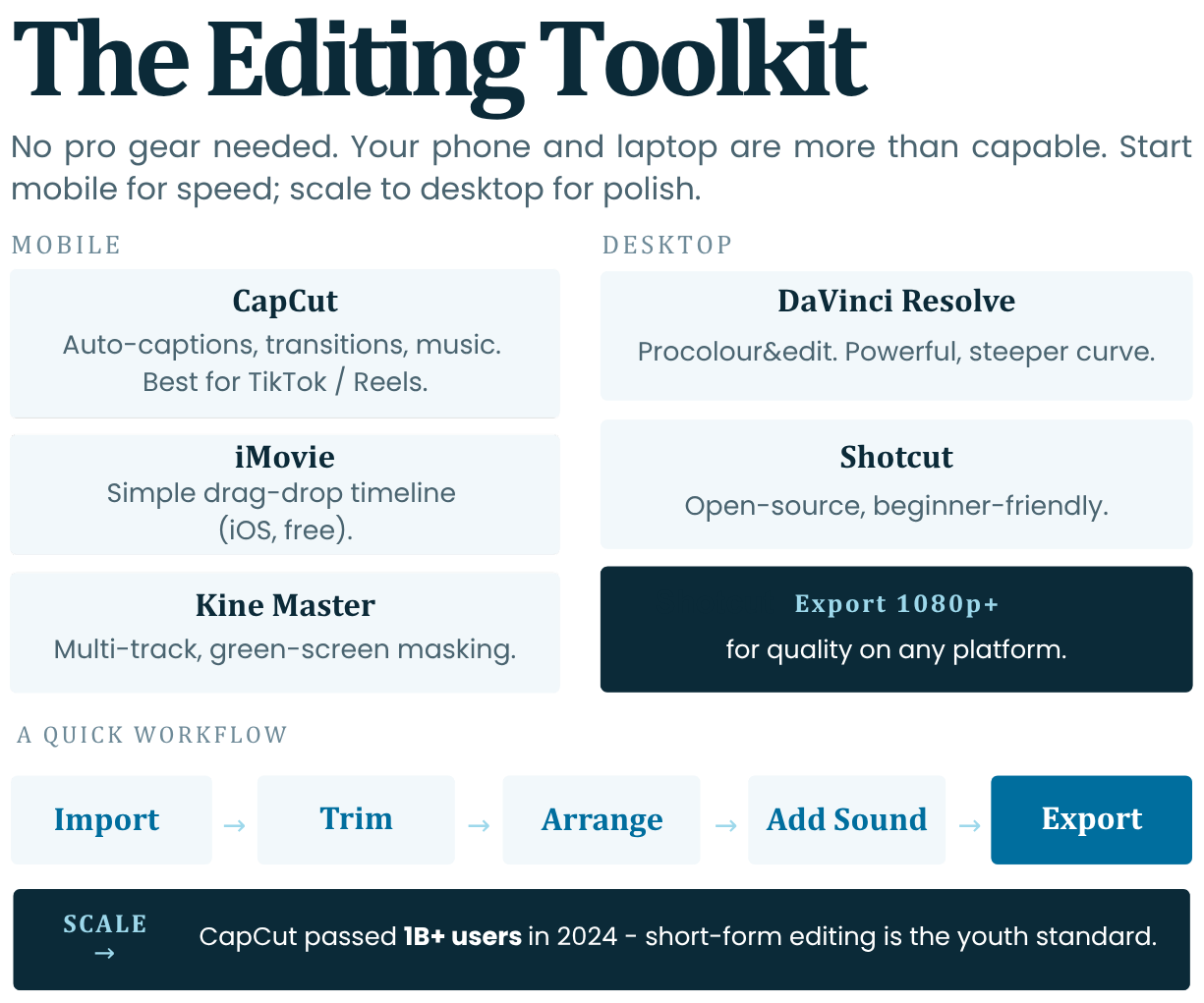
In today’s world, especially to start with, no pro gear is needed. Our phones and laptops are more than capable of handling hands-on editing.
Mobile Apps:
- CapCut (Free with in-app purchases): Auto-captions, transitions, music library. Best for TikTok/Reels.
Explore Further: CapCut official website
https://www.youtube.com/watch?v=K-FJIc93RqE- iMovie (iOS – Free): Simple timeline, drag-drop.
Explore Further: Apple iMovie App Store | Apple iMovie Support
https://www.youtube.com/watch?v=jhGG7ypIW_w
- KineMaster (Free with Watermark): Multi-track, can mask green screen.
Explore Further: KineMaster official website
https://www.youtube.com/watch?v=5AWSpzwy6Tw
Desktop Apps:
- DaVinci Resolve (Free): Professional colour/edit; steep learning curve but very powerful.
Explore Further: Blackmagic Design - DaVinci Resolve
https://www.youtube.com/watch?v=GzCVxx33yOI
- Shotcut (Free/Open-source): Beginner-friendly.
Explore Further: Shotcut official website
https://www.youtube.com/watch?v=PCMcyYAtRzw
A quick workflow would be:
Import → Trim → Arrange → Add Sound → Export.
Start mobile for speed; scale to desktop/laptop for polish.Reference: CapCut's 2024 report: 1B+ users for short-form editing (ByteDance); industry standard for youth creators.
Explore Further: CapCut official resources | CapCut official YouTube channel
Tip: Export 1080p or above for quality.
7. Exercise: Edit a Short Sequence to Create Different Emotional Effects + Audio-Visual Focus
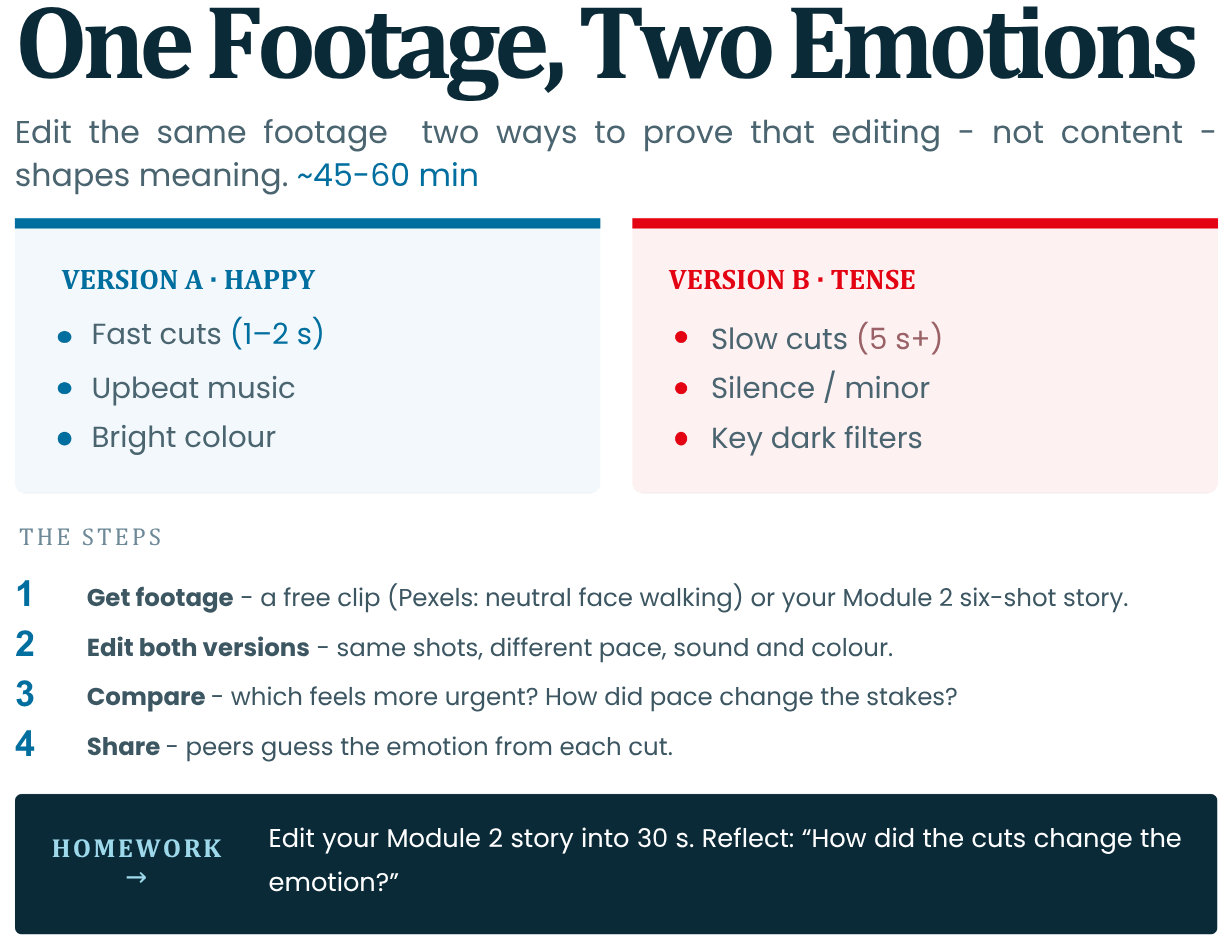
Goal: Use the same footage to edit two versions (e.g., happy vs tense), proving editing shapes meaning (Kuleshov).
This activity will take between 45-60 minutes.
1. Get Footage: Download free clip pack (e.g., Pexels: neutral face walking). Or use Module 2’s 6-shot story.
Explore Further: Pexels free stock videos
You will create:
-
Version A (Happy): Fast cuts (1-2s), upbeat music, bright colour.
-
Version B (Tense): Slow (5s+), silence/minor music, dark filters.
2. Edit: Using the apps mentioned above. Add sound/music/silence.
3. Compare your versions.
4. Share with peers and try to guess emotions.
Rubric: Which feels more urgent? How did pace change stakes?
Phone Tools: CapCut templates; free stock music (YouTube Audio Library).
Explore Further: YouTube Audio Library help page
Reference: NYU Editing Lab exercise; mirrors Kuleshov principles in practice.
Homework: Edit Module 2 story into 30s; reflect: "How cuts changed emotion?" Prep Module 4 full project.
-
-
Module 3 Assignment
Select and complete only one of the two tasks below. With it, you will practice what you have learned before moving on to the final test for this module.
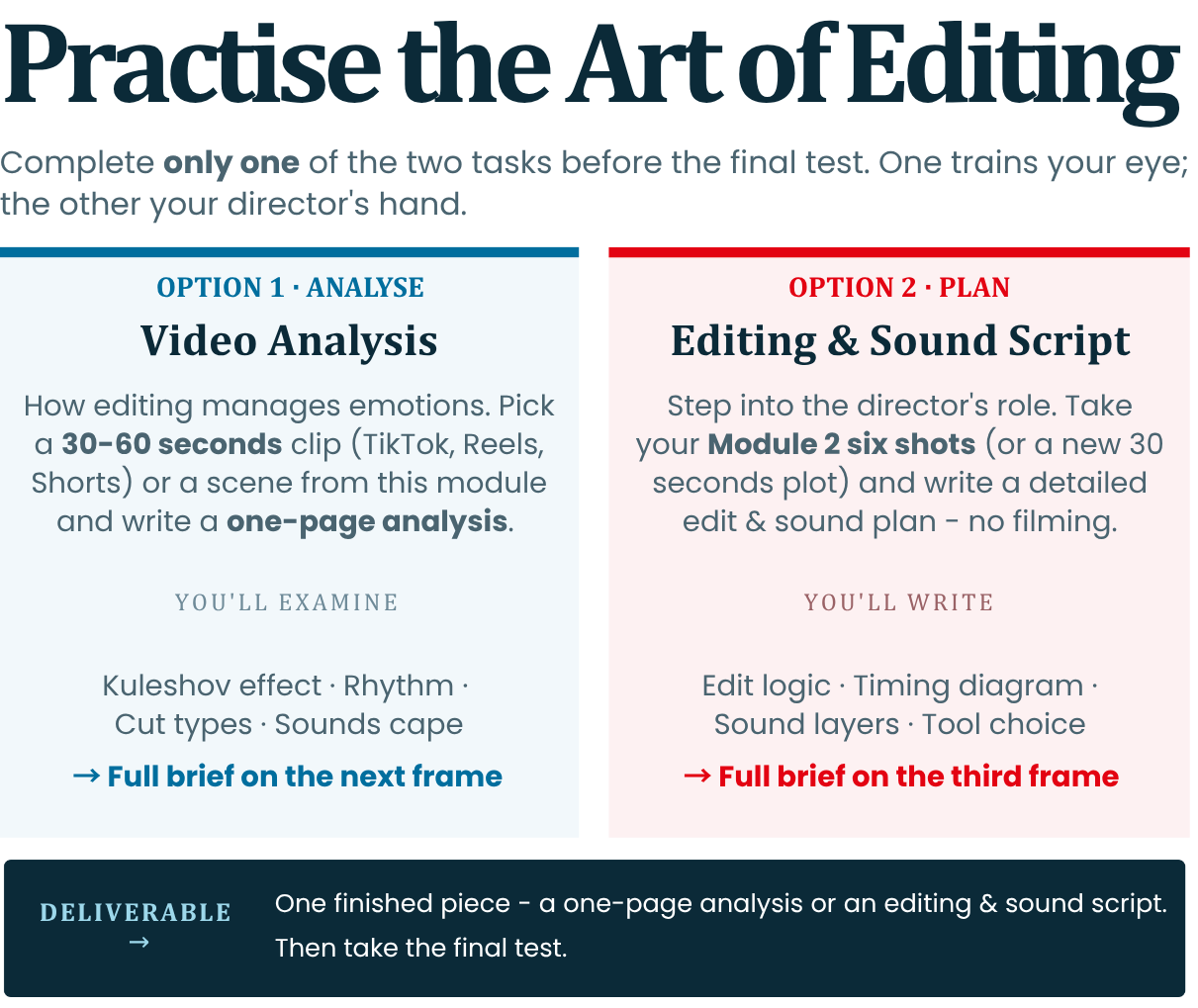
Option 1: Video analysis - how editing manages emotions
-
Description: This task is related to understanding the basic principles of editing. Once you have completed it, you need to understand how the shifting of frames, time and sound make us feel certain things without even realizing it.
-
What you need to do: Find a short video (between 30 and 60 seconds) on TikTok, Instagram Reels or YouTube Shorts, or take as an example one of the movie scenes we covered in this module. Watch the video several times and write a short analysis (up to one page), paying attention to the following:
1. The Kuleshov effect: Find a moment when the author collects two completely different frames to suggest something that is not said in words. (For example: we see the person's expression and immediately after that he cuts to a specific object – how does this make the viewer invent a story himself?)
2. Capture the rhythm: Try to detect the seconds of the shots. Where does the editing become "fast-paced" (shifts every 1-2 seconds) to suggest action or panic? Where does the shot linger longer (5-10 seconds) to give you time to feel the emotion or think? Is there a sharp transition from dynamic to slow tempo?
3. Types of editing: Give an example where the action flows so smoothly from frame to frame that the editing becomes "invisible". Conversely, find a moment when the video intentionally startles you or catches you off guard through a sharp turn (for example, a jump from silence to brutal noise or a sudden interrupted frame/smash cut).
4. The sound environment: Pay attention only to what you hear. How do speech, background noise (SFX) and music work together? Is complete silence used at a key moment to increase tension or a sense of fear?
Option 2: Make your first installation plan
-
Description: This task is for people who want to step into the role of directors and plan step by step how the video and sound will be assembled into a finished film.
-
What you need to do: Take the 6 shots you shot or planned as static images in the Module 2 practice task (or come up with a new, very simple 30-second plot – for example, a person who panics because he is late and drops a plane). Instead of shooting, write a detailed Editing and Sound Script on the following 4 points:
1. Editing logic (Based on Kuleshov): Write a short series of 3 frames that explains how the character feels without opening his mouth. Describe: What is in Frame A (face without emotion)? What do we see in Frame B (object or event)? What will the viewer think when he sees them one after the other?
2. Seconds and dynamics: Spread the time within these 30 seconds. Make a diagram: in which part you will accumulate short, quick shots (1-2 seconds each) to show panic or tension, and at what point you will leave one long shot (5-10 seconds) to close the story with a sense of relief.
3. The sound tracks: Describe exactly what will be heard in the background in the three main audio layers:
-
Dialogue / Voiceover: What is spoken and in what tone (whisper, shout, rapid breathing)?
-
Effects and Noises (SFX): What realistic sounds will you amplify (footsteps, squeak, pulse, ticking) to raise the tension?
-
Music and pauses: What is the melody, how does it move relative to the frames, and at what second will you stop the sound completely for a stronger dramatic effect?
4. Technical Choice: Which of the programs in the module (CapCut, iMovie or DaVinci Resolve) will you choose for editing and why? Briefly write your 5 steps from inserting the files to the ready-to-upload video.
-
-